A Collection of 20 WhatsApp Templates for IT Service Providers
Looking to streamline client communication and improve engagement for your IT services business?
WhatsApp Template Messages offer an efficient way to automate updates, handle support queries, and send service notifications—while keeping interactions professional and personalized.
In this blog, we’ve curated 20 ready-to-use WhatsApp template messages for IT service providers that you can use or customize to match your brand voice. Whether you run a software development agency, cloud service company, cybersecurity firm, or IT support service, these templates are designed to save time and enhance the client experience
Overview
Understanding WhatsApp Template Messages
Benefits of WhatsApp for IT Service Providers
Top 20 WhatsApp Template Messages for IT Service Businesses
Key Tips for Creating Effective WhatsApp Template Messages
How to Send WhatsApp Template Messages Efficiently
Conclusion
Frequently Asked Questions
WhatsApp Template Messages are pre-approved message formats that allow businesses to send notifications or initiate conversations with users who haven’t interacted within the last 24 hours. They are ideal for proactive communication, such as sharing updates, alerts, and reminders.
With platforms like Yugme Boom, you can easily create, get approval for, and automate these templates—enabling you to reach thousands of users instantly and efficiently.
IT businesses are increasingly adopting WhatsApp to improve client communication and streamline operations. Here’s why:
- Secure communication: End-to-end encryption ensures all client interactions remain private
- High open rates: With around 98% visibility, messages are far more likely to be seen than emails
- Easy automation: Automate recurring updates, notifications, and service alerts
- Real-time responses: Communicate instantly and resolve client queries faster
- Simplified workflows: Manage onboarding, support tickets, payments, and alerts more efficiently
WhatsApp provides a reliable and scalable way to keep client communication fast, secure, and effective.
Set the foundation for a smooth and professional partnership.
Template Message:Hi {{name}}, welcome aboard! We’re excited to partner with you at {{business-name}}.
Our team is currently setting up your account and project dashboard. You’ll receive your login credentials and service access within the next 24 hours.
If you have any questions or specific requirements, feel free to reply anytime. Let’s build something great together!
2. Consultation Booking ConfirmationConfirm scheduled consultations with clarity and professionalism.
Template Message:Hi {{name}}, your consultation with our IT expert {{agent-name}} is confirmed for {{date}} at {{time}}.
- Location: {{location}}
- Join via Zoom: {{meeting-link}}
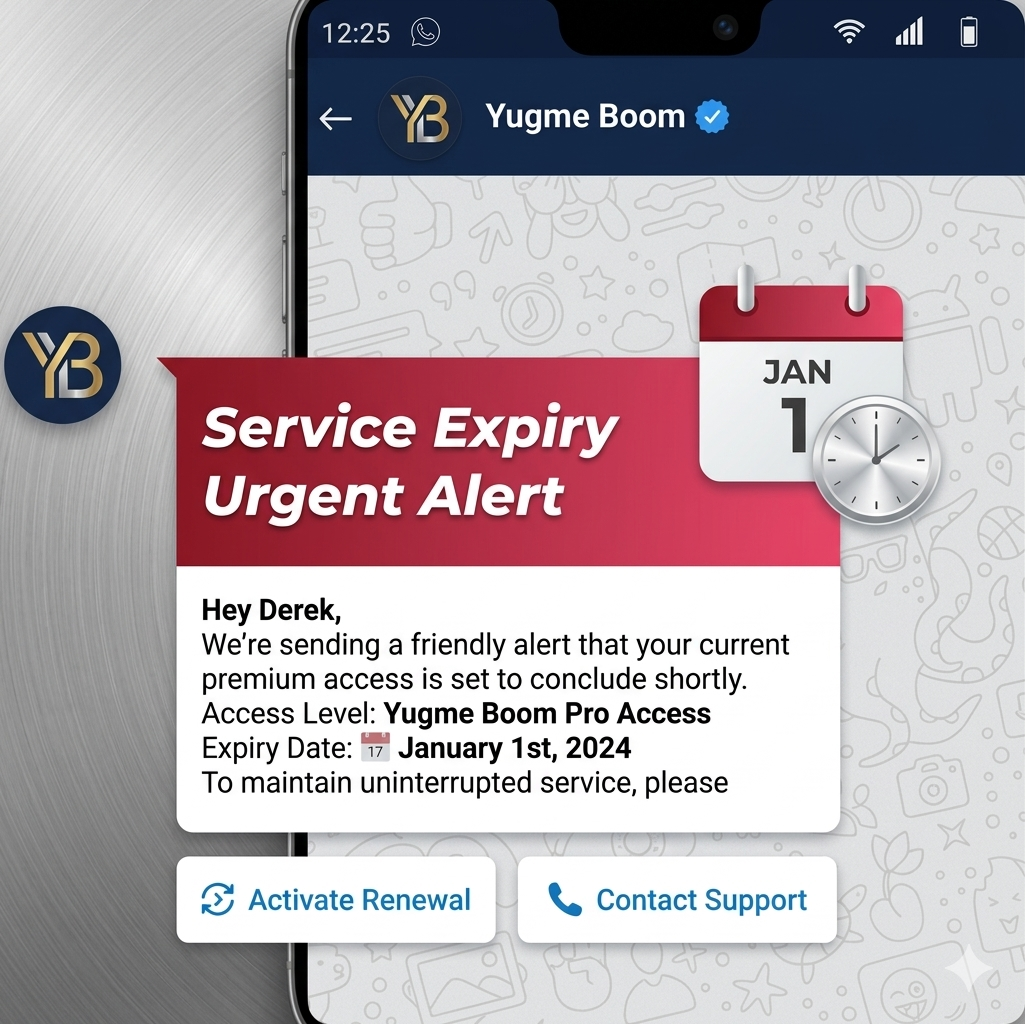
Remind clients to renew subscriptions before service disruption.
Template Message:Hi {{name}}, this is a reminder that your subscription for {{service-name}} will expire on {{expiry-date}}.
To ensure uninterrupted service, we recommend renewing it at the earliest.
Click below to renew instantly:
[CTA Button]: Renew Now
Have questions? We’re here to help.
4. Scheduled Maintenance AlertKeep clients informed about planned maintenance activities.
Template Message:Hi {{name}}, we’ll be performing scheduled maintenance on {{maintenance-date}} from {{start-time}} to {{end-time}}.
During this period, some services may be temporarily unavailable.
We’ll notify you once everything is fully operational. Thank you for your patience and continued trust in {{business-name}}.
5. Security Alert NotificationNotify clients immediately about potential security concerns.
Template Message:Important Alert: We’ve detected unusual activity on your account, {{name}}.
We strongly recommend updating your password and enabling Two-Factor Authentication (2FA) right away.
If you did not initiate this activity, please reply here or contact our support team at {{support-contact}}.
Your security remains our top priority.
6. Support Ticket Status UpdateProvide real-time updates on support requests.
Template Message:Hi {{name}}, your support ticket (ID: {{ticket-id}}) has been updated.
- Current Status: {{status}}
- Latest Update: “{{comment}}”
Let us know if you need further assistance—we’re here to help.
7. Project Milestone UpdateKeep clients informed about project progress and next steps.
Template Message:Hi {{name}}, we’ve successfully completed the {{milestone-name}} milestone for your project “{{project-title}}.” 🎉
Here’s what we achieved:
- {{task-1}}
- {{task-2}}
What’s next: {{next-step}}
Estimated completion: {{timeline}}
We’ll continue to keep you updated on progress.
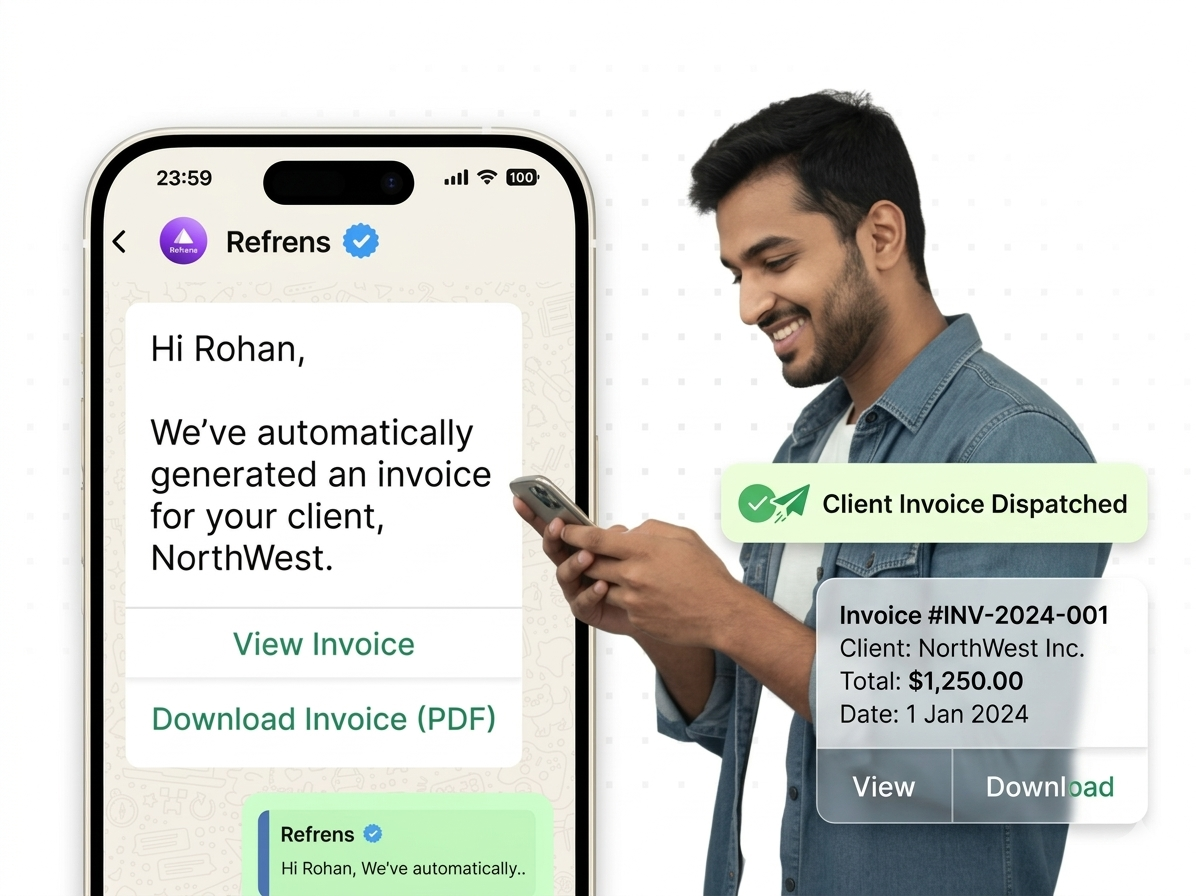
Confirm client payments and share invoice details with a clear and professional message.
Template Message:Hi {{name}}, we’ve successfully received your payment of ${{amount}} for {{service-name}}.
- Transaction ID: {{transaction-id}}
- Date: {{date}}
Thank you for your prompt payment. If you need a copy of the invoice or receipt, feel free to reply—we’ll be happy to share it.
Encourage users to upgrade before their trial ends.
Template Message:Hi {{name}}, your free trial for {{product-name}} will end on {{expiry-date}}.
To continue using our services without interruption, consider upgrading your plan.
Need help choosing the right plan? Reply “Help” and we’ll guide you.
[CTA Button]: Upgrade Now
[CTA Button]: Help
10. Account Manager Introduction MessageIntroduce clients to their dedicated point of contact.
Template Message:Hi {{name}}, I’m {{manager-name}}, your account manager at {{business-name}}.
I’ll be your main point of contact for any questions, updates, or support.
Feel free to reply anytime—I’m here to help. Looking forward to working with you.
11. New Feature Announcement MessageInform clients about newly launched features.
Template Message:Hi {{name}}, we’ve introduced a new feature: {{feature-name}}
Here’s what you can do:
- {{benefit-1}}
- {{benefit-2}}
- {{benefit-3}}
Explore it now:
[CTA Button]: Explore Feature
**12. Feedback Request Message **Collect feedback after a service interaction. Template Message:Hi {{name}}, we’d love to hear about your recent experience with our team.
Your feedback helps us improve and serve you better.
It only takes 30 seconds—thank you for your time
[CTA Button]: Leave Feedback
13. Invoice Delivery NotificationShare invoices quickly and clearly.
Template Message:Hi {{name}}, here’s your invoice for {{service-name}}:
- Invoice ID: {{invoice-id}}
- Amount: ₹{{amount}}
- Due Date: {{due-date}}
Let us know if you have any questions.
[CTA Button]: Download Invoice
14. New Service Launch AnnouncementPromote newly introduced services or packages.
Template Message:
Hi {{name}}, we’re excited to introduce {{new-service-name}}—our latest solution designed to help you {{value-prop}}.
Want to see how it works? Book a free demo below:
[CTA Button]: Book Demo
15. Migration Completion NotificationInform clients after successful migration or deployment.
Template Message:Hi {{name}}, your migration to {{platform-name}} is now complete
All data and configurations have been successfully transferred.
You can log in here: {{login-link}}
Need help getting started? We’re here to assist.
16. Monthly Performance Report MessageShare key service performance insights.
Template Message:Hi {{name}}, here’s your performance summary for {{month}}:
- Uptime: {{uptime}}%
- Tickets resolved: {{tickets-resolved}}
- Avg. response time: {{avg-response-time}} mins
Want the full report? Reply “PDF” and we’ll send it to you.
17. Post-Demo Follow-Up MessageEngage leads after a demo or walkthrough.
Template Message:Hi {{name}}, thank you for attending the demo with {{agent-name}} today.
We hope it gave you a clear understanding of our solution.
If you have questions or need a customized proposal, feel free to reply.
Let’s take the next step together
18. Weekly Tips & Best Practices MessageShare useful insights to build trust and engagement.
Template Message:
- Tech Tip Tuesday
Hi {{name}}, here’s a quick tip to keep your systems secure:
- Always update third-party apps and plugins—outdated software can pose security risks.
Need a complete security audit? We’re just a message away.
19. Website to WhatsApp Chat PromptEncourage users to connect via WhatsApp.
Template Message:Need help or have a question? We’re available right now!
Click below to chat with our IT experts on WhatsApp.
[CTA Button]: Chat with Us
20. Cross-Sell / Upsell Recommendation MessageSuggest additional services based on current usage.
Template Message:Hi {{name}}, since you’re using our {{current-plan}}, you may also benefit from {{recommended-service}}.
It’s designed to {{service-benefit}} and integrates smoothly with your existing setup.
Interested in trying it out?
[CTA Button]: Start Trial
Every WhatsApp template message is reviewed to ensure it meets platform guidelines. Keep these best practices in mind:
- Use formatting like bold, italics, and ~strikethrough~, along with emojis, to enhance clarity and engagement
- Maintain proper message structure to avoid rejection during the approval process
- Include clear Call-to-Action or Quick Reply buttons, keeping button text within the 20-character limit
- Use emojis thoughtfully to add a personal and engaging touch
To send WhatsApp Template Messages, you’ll need a reliable WhatsApp Business API provider like AiSensy.
Yugme Boom is a powerful platform designed to simplify communication and marketing on WhatsApp. With it, you can:
- Broadcast messages to a large, opt-in audience
- Automate transactional notifications with secure, end-to-end encryption
- Engage in one-on-one conversations with customers in real time
- Build chatbots using a no-code, drag-and-drop interface
- Run targeted retargeting campaigns to reconnect with your audience
- Launch Click-to-WhatsApp ads that drive instant conversations
These WhatsApp Template Messages for IT service providers can help you build stronger client relationships, stay top-of-mind, and accelerate your sales cycle.
Whether you’re managing multiple clients or streamlining communication, these templates enable you to operate efficiently while maintaining a personal touch.
Start using WhatsApp Template Messages today to convert more leads into satisfied clients.
Frequently Asked Questions About WhatsApp Template Messages
Get quick answers to frequently asked questions about WhatsApp Template Messages and how to use them effectively.