Best 10 WhatsApp Templates for Financial Institutions
Looking to send banking alerts, transactional notifications, Looking to send banking alerts, transactional notifications, and updates via WhatsApp? You’ve come to the right place!
With end-to-end encryption, WhatsApp offers a secure platform for business communications tailored to banks, fintech companies, and financial institutions.
In this blog, we’ll share 10 profitable WhatsApp template messages designed specifically for financial organizations.
But first, let’s review some important WhatsApp Message Template Guidelines to ensure your messages comply and deliver maximum impact.
With end-to-end encryption, WhatsApp offers a secure platform for business communications tailored to banks, fintech companies, and financial institutions.
In this blog, we’ll share 10 profitable WhatsApp template messages designed specifically for financial organizations.
But first, let’s review some important WhatsApp Message Template Guidelines to ensure your messages comply and deliver maximum impact.

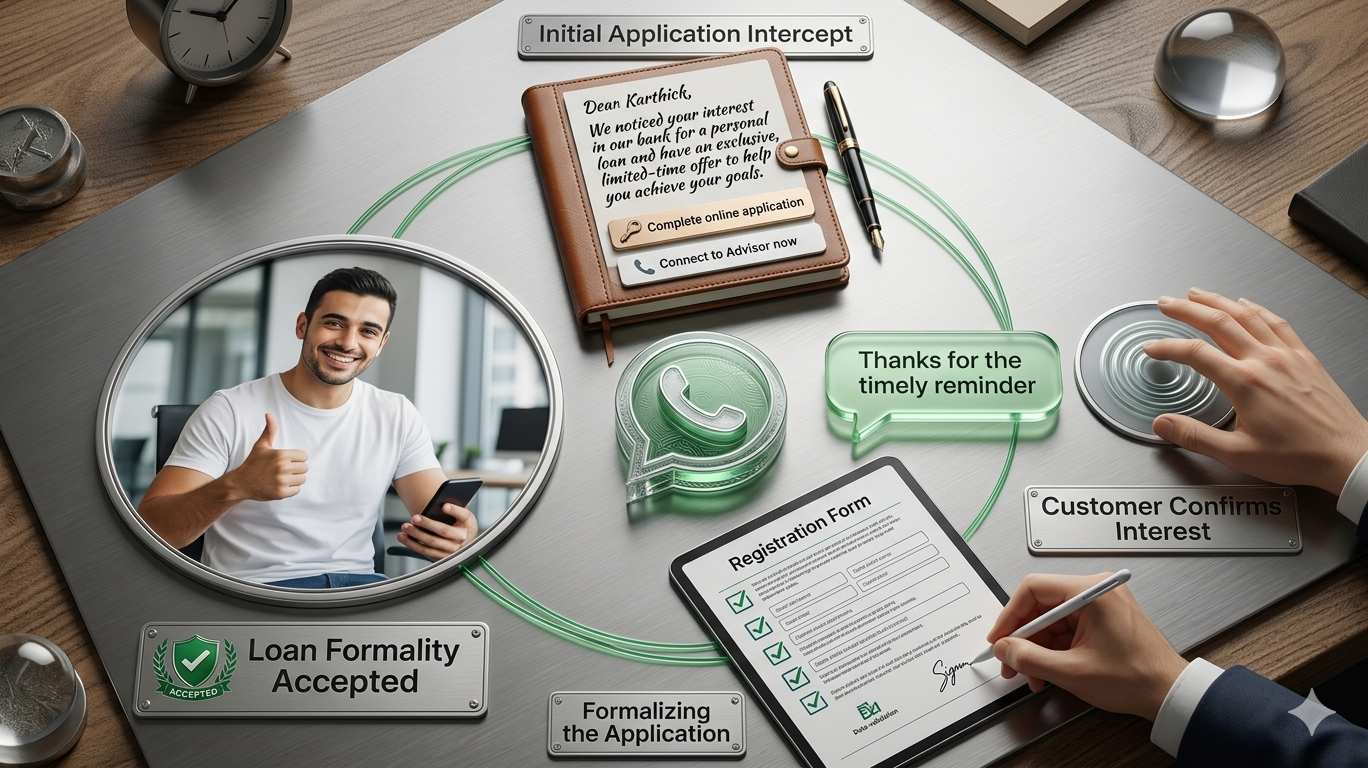
Encourage users who started but didn’t complete their loan application to return and finish the process with a friendly reminder.
Sample Message:
Dear [Name],
Thank you for choosing [Company Name] for your insurance needs.
Complete your registration by clicking the button below!
CTA: Complete Application
Notify applicants promptly when their loan has been approved.
Sample Message:
Hi [First Name],
Your loan with [Bank] has been approved.
Please find the loan documents attached.
For questions, call us anytime.
Kind regards, [Bank]
3. WhatsApp Template for New Account Creation ConfirmationWelcome new users when they create an account or open a bank account.
Sample Message:
Thank you for opening a new account with (Your Bank Name).
Manage your banking anytime on your mobile device.
Click below to download our Mobile Banking App.
CTA: Download App
4. WhatsApp Template for Credit Card Payment RemindersPrompt timely credit card bill payments to avoid late fees.
Sample Message:
Free up your (Your Bank Name) Credit Card limit and avoid late fees by clearing your outstanding dues of [Amount] by [Date].
CTA: Pay Now
5. WhatsApp Template for Large Transaction AlertsProtect customers from fraud by confirming large transactions.
Sample Message:
Hi [Name],
An amount of [Amount] was transferred from your account to account ending [Last 4 Digits].
If this wasn't you, please contact us immediately.
Quick Replies: It was Me / It was Not Me
6. WhatsApp Template for Debit Transaction NotificationsInform customers immediately when funds are debited from their account.
Sample Message:
Your account ending with [xxxx] has been debited by [Amount].
Updated balance: [Balance].
If this wasn’t you, contact us immediately.
CTA: Call Now
7. WhatsApp Template for OTP Delivery NotificationsSend secure OTPs via WhatsApp for quick and reliable transaction verification.
Sample Message:
[OTP] is your OTP for the transaction of [Amount] on card ending [xxxx]. Valid for 5 minutes. Do not share this OTP.
[Bank Name]
8. WhatsApp Template for ATM Withdrawal NotificationsNotify users instantly when they withdraw cash from an ATM.
Sample Message:
Hi [Name],
You withdrew [Amount] from [ATM Location].
Your current balance is [Balance].
If this wasn’t you, please contact us immediately.
Quick Replies: It was Me / It was Not Me
9. WhatsApp Template for Monthly Bank StatementsSend monthly statements securely via WhatsApp.
Sample Message:
Hi [Name],
Your bank statement for [Month] is ready.
Please find the attached PDF for details.
Regards, [Bank Name]
Note: Use ‘Media’ template type to attach the statement.
10. WhatsApp Template for Loan Promotion OffersShare special loan or credit card offers to encourage customer engagement.
Sample Message:
Hey [Customer Name],
Thank you for being a valued customer.
You’ve been pre-approved for a [Amount] loan/new credit card.
Act before [DD/MM/YYYY] to take advantage of this offer.
CTA: Call Now
WhatsApp carefully reviews each template to ensure compliance with its guidelines. Keep these tips in mind:
Use bold, italics, and ~strikethrough~, along with emojis, to enhance message effectiveness.
Correct formatting is crucial; improper format will cause rejection.
Include clear Call to Action or Quick Reply buttons with a 20-character limit.
Emojis add a personal touch and improve engagement.
To send template messages, you need a WhatsApp Business API partner like Yugme Boom. Yugme Boom enables you to create and broadcast WhatsApp template messages to unlimited users with a single click.
You can send messages only to users who have opted in to receive WhatsApp notifications from your business.
With Yugme Boom, you can:
- Send promotional WhatsApp messages to boost sales
- Automate transactional notifications securely with end-to-end encryption
- Provide 1:1 live chat support
- Run retargeting campaigns targeting segmented audiences