How to Recover a Suspended WhatsApp Account (2026 Guide)
If your WhatsApp number has been banned, it can lead to significant disruptions such as lost conversations, interrupted workflows, and dissatisfied customers. For businesses that rely on the WhatsApp Business API, the impact can be even more serious, as a banned number may halt marketing campaigns, customer support operations, and automated processes.
However, there is no need to panic. In many situations, it is possible to restore a banned WhatsApp number without creating a new account. The key is understanding the reason behind the ban and following the appropriate recovery steps.
This comprehensive 2026 guide outlines everything you need to know about restoring banned WhatsApp accounts, including how to recover WhatsApp numbers and WhatsApp API numbers, along with practical steps to help prevent similar issues in the future.
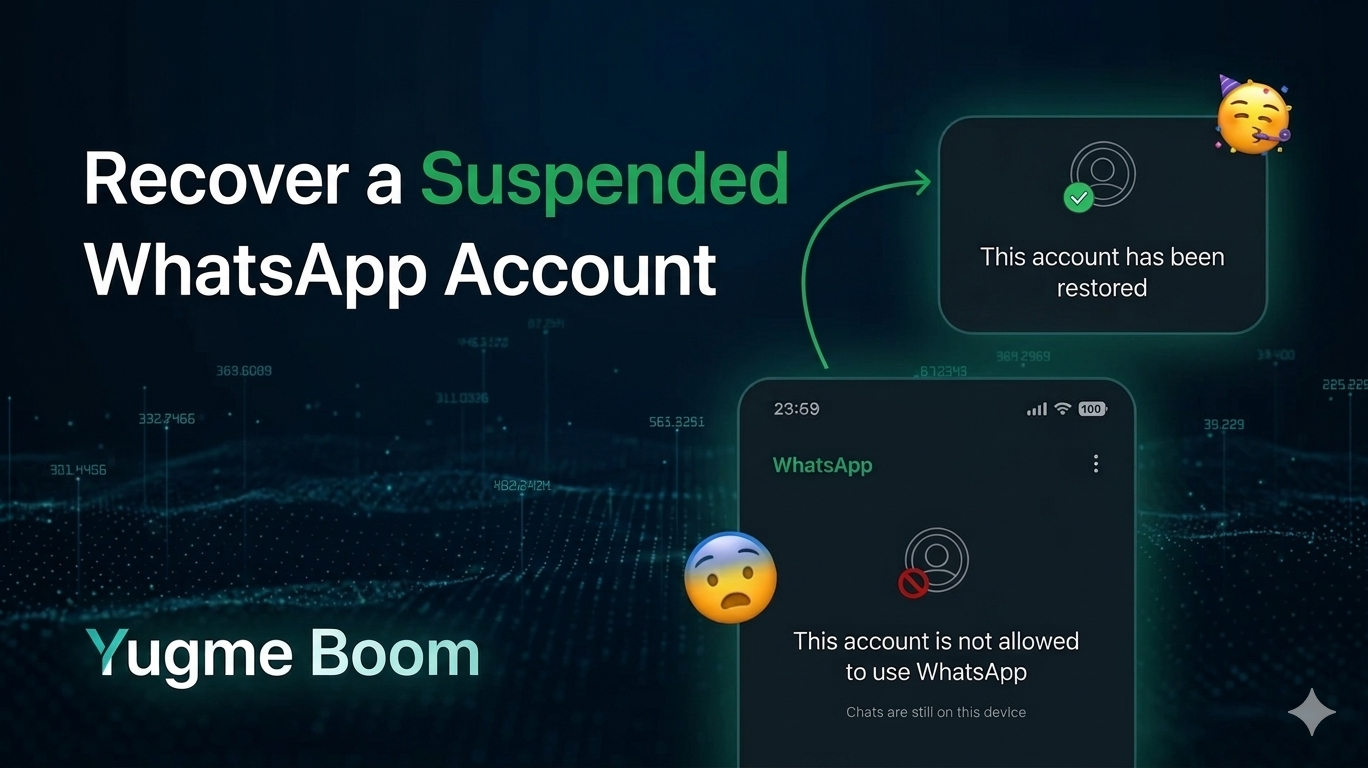
What This Guide Covers
1. What Does It Indicate When Your WhatsApp Number Is Banned?
2. Common Reasons for WhatsApp Number Bans
3. Key Differences Between a Standard WhatsApp Ban and a WhatsApp Business API Ban :
4. How to Verify If Your WhatsApp Number Is Actually Banned
5. Step-by-Step Guide: How to Reinstate a Banned WhatsApp Number (2026)
6. How to Reinstate WhatsApp API Numbers (Business Accounts)
7. Permanent Ban vs. Temporary Ban: Is Recovery Feasible?
8. How Long Does It Take to Reinstate a Banned WhatsApp Number?
9. Best Practices to Prevent Future WhatsApp Bans Banned Again
10. When to Seek Professional Assistance
11. Final Checklist for Successfully Unbanning Your WhatsApp Number
12. Why Boom Is the Premier Choice to Recover and Safeguard Your WhatsApp Number
13. Common Questions Regarding Suspended WhatsApp Account
When WhatsApp bans a number, it disables that account from accessing the platform. This can affect:
- Standard WhatsApp users
- WhatsApp Business App users
- WhatsApp Business API users
Common ban notifications include:
- “Your phone number has been banned from using WhatsApp.”
- “This account is prohibited from using WhatsApp.”
- Permanent bans: WhatsApp permanently blocks the number unless a successful appeal is submitted.
Identifying the cause of your number ban is essential for effectively restoring your WhatsApp account.
1. Sending Bulk or Spam MessagesA primary cause of bans is the distribution of bulk or spam messages. WhatsApp actively suspends accounts that send:
- Large volumes of unsolicited broadcasts
- Repeated promotional content
- Messages that are copied and pasted to extensive recipient lists
Another major cause of WhatsApp bans is the use of unofficial or altered versions of the app, such as GB WhatsApp or other modified clients. These applications violate WhatsApp’s terms of service and frequently result in immediate bans.
Read: Official vs. Unofficial Bulk WhatsApp Senders: Key Differences
3. High Volume of User Reports and BlocksA substantial number of user reports and blocks also heighten the likelihood of a ban. If numerous users:
- Block your number
- Report you as spam
- Mark your messages as unwanted
For business accounts, violating WhatsApp Business and Commerce policies is a common reason for bans. This may involve:
- Sending misleading or false information
- Promoting prohibited products
- Using deceptive clickbait tactics
- Inadequate Opt-In Procedures
| Feature | Regular WhatsApp Ban | WhatsApp API Ban |
|---|---|---|
Affected Users | Personal accounts and WhatsApp Business App users | Business accounts utilizing the WhatsApp Business API |
Primary Method to Appeal | Submit a review request within the app or via support form | Appeal through Business Solution Provider (BSP) and WhatsApp Business Manager |
Speed of Recovery | Slow to moderate, usually 24–72 hours for temporary bans | Moderate to fast when escalated by BSP, generally 5–10 business days for API case reviews |
Typical Causes | Using unofficial apps, receiving user reports, sending bulk messages | Violations in message templates, insufficient opt-in procedures, high complaint volumes |
Likelihood of Re-ban | High if problematic behavior continues | High without improvements in compliance and operational procedures |
Recommended Initial Action | Cease all violation activities and file an in-app appeal | Reach out to your BSP (e.g., Yugme Boom) for a compliance audit and to initiate the appeal process |
Before initiating the appeal process, ensure that your number is indeed banned.
Follow these steps:
- Insert your SIM card into a different device and reinstall WhatsApp
- Re-verify your number through the OTP process
- Check for any official ban notification
Follow these precise steps to enhance your chances of having your number unbanned.
Step 1: Immediately Cease Any Violating ActivitiesBefore submitting an appeal to reinstate your WhatsApp number, it is essential to halt any actions that may have caused the ban. WhatsApp thoroughly reviews recent account activity during the appeal process, and ongoing violations can severely diminish your chances of recovery.
You should promptly:
- Stop sending bulk messages
- Uninstall any unauthorized WhatsApp applications
- Disconnect any unauthorized automation tools
Step 2: Utilize the Official In-App Appeal Process
If the “Request a Review” option is available in the app:
Open WhatsApp
- Tap on Support or Request a Review
- Provide a clear and concise explanation that you believe the ban was an error or that you have rectified the behavior
- Maintain honesty; avoid arguing or issuing threats
“Hello WhatsApp Team,
I acknowledge that I may have unintentionally violated WhatsApp policies. I have ceased all bulk messaging and removed any third-party tools. I kindly request a review of my account. Thank you.”
Step 3: Submit an Appeal via the Official WhatsApp Support PageIf the in-app appeal option is not accessible, use WhatsApp’s official support page to file your request: https://faq.whatsapp.com/465883178708358.
This is the most dependable external method to request unbanning of WhatsApp numbers and is also applicable for most WhatsApp API unban appeals.
Include the following information:
- Your full phone number in international format
- A clear, respectful explanation of your situation
- Evidence that you have addressed the issue
If possible, attach supporting documentation such as:
- Screenshots demonstrating the removal of unofficial apps
- Proof of user opt-in
- Confirmation of disconnection from automation tools
After submitting your appeal, exercise patience. WhatsApp receives a large volume of account review requests, and response times vary depending on the ban type.
Expected timelines in 2026:
- Temporary bans: Typically resolved within 24–72 hours
- Permanent bans: May require 3–7 business days
- WhatsApp API reviews: Generally take 5–10 business days
- Submitting multiple appeals
- Flooding WhatsApp support with follow-up emails
- Attempting to create new accounts with the same number
Patience, strict compliance, and professional communication significantly increase your chances of success.
If your business number is banned on the WhatsApp API, the reinstatement process is more formalized and involves coordination between WhatsApp and your authorized Business Solution Provider (BSP).
Step 1: Reach Out to Your Business Solution Provider (BSP)If you work with a provider such as AiSensy, your BSP acts as the intermediary between your business and WhatsApp.
Your BSP can:
- Assess the reason for the ban
- Submit an internal appeal on your behalf
- Advise you on how to address policy violations
WhatsApp may suspend API accounts due to message templates that breach WhatsApp’s content guidelines.
Common issues flagged by WhatsApp include:
- Excessively aggressive sales language
- Misleading discount claims
- False urgency phrases (e.g., “Buy now or lose your spot”)
- Lack of clear opt-in context
- Modify existing templates to be more conversational and compliant
- Remove any exaggerated or misleading claims
- Include clear context explaining why the recipient is receiving the message
- Resubmit the revised templates for approval
WhatsApp frequently requests verification that users have consented to receive messages.
Acceptable proof may include:
- Screenshots of website opt-in forms
- CRM records documenting consent
- Timestamped permissions from users
Your BSP will manage the formal appeal submission through WhatsApp Business Manager.
The appeal typically contains:
- An explanation of the violation cause
- Details on the corrective measures implemented
- Confirmation that your business now complies with policies
- A plan to prevent future infractions
Not all WhatsApp bans are identical. Distinguishing whether your account is subject to a temporary or permanent ban is essential for setting realistic expectations regarding the ease of reinstating your WhatsApp number or WhatsApp API access.
Temporary Bans: More Easily ReversedTemporary bans typically occur when WhatsApp identifies unusual or suspicious short-term behavior. These measures aim to curb harmful activity rather than permanently disable your account.
Common scenarios leading to temporary bans include:- Sending bulk WhatsApp messages without explicit user opt-in
- First-time policy breaches, treated by WhatsApp as warnings
- Accidental user reports, where a small number of users mistakenly mark your messages as spam
Temporary bans often display a countdown timer within the app. Once this timer expires, your account may be automatically reinstated—particularly if you cease the behavior that triggered the ban.
If necessary, you can also submit a review request to accelerate the unbanning process.
Permanent Bans: More Challenging, Yet Not ImpossiblePermanent bans are more severe and are generally imposed when WhatsApp detects repeated or significant policy violations.
Typical causes of permanent bans include:- Persistent spam activities, such as sending unsolicited promotional messages
- Use of illegal or restricted content, including prohibited products or deceptive schemes
- Ignoring multiple prior warnings, where WhatsApp has already flagged or limited your account
WhatsApp regards permanent bans as serious infractions. Your appeal must convincingly demonstrate accountability, corrective action, and commitment to future compliance.
Nonetheless, it is important to recognize that recovery from some permanent bans remains possible, especially if you can prove the violation was unintentional or resulted from third-party tools.
Is Recovery Possible After a Permanent Ban?
In many instances, reinstatement is achievable, provided you demonstrate genuine corrective measures.
WhatsApp looks for indicators such as:- Removal of all unauthorized apps and automation tools
- Adoption of clean opt-in practices for contacts
- Updated, compliant message templates (for business/API users)
- A clear, written acknowledgment of the mistake
Here is a practical timeline for 2026:
Temporary ban: 24 to 72 hours Standard permanent ban: 3 to 7 business days WhatsApp API ban: 5 to 10 business daysWhile there is no definitive timeframe, submitting complete and accurate documentation can expedite the process.
Once your WhatsApp number access is restored, prevention is essential.
Ensure Proper Opt-InsAlways confirm that:
- Users provide active consent
- Opt-ins are explicit and documented
- You clearly communicate the type of messages they will receive
Send messages:
- At appropriate intervals
- During suitable business hours
- Without excessive or aggressive calls to action
Avoid jeopardizing your account by steering clear of:
Unauthorized automation software
Browser-based bot extensions
Modified WhatsApp clients
Always rely on verified API providers.
Adhere to WhatsApp’s PoliciesRegularly review WhatsApp’s:
- Business Messaging Policy
- Commerce Policy
- Terms of Service
If your business relies extensively on WhatsApp, it is advisable to collaborate with an authorized Business Solution Provider (BSP).
An experienced BSP can:- Conduct thorough audits of your messaging workflows
- Facilitate smoother template approval processes
- Develop compliant opt-in procedures
- Manage appeals effectively
Before submitting your appeal, ensure you have:
- Uninstalled any unofficial applications
- Ceased sending bulk messages
- Corrected opt-in procedures
- Reviewed and updated message templates
- Collected evidence of compliance
When your business relies on WhatsApp, partnering with an official WhatsApp Business Solution Provider (BSP) is crucial. This is where Boom truly excels.
As an authorized WhatsApp BSP, Boom offers you a direct and reliable pathway to recover and protect your business number. Rather than navigating appeals alone, you receive expert support, compliance assessments, and expedited escalation processes that significantly enhance your chances of unbanning both WhatsApp numbers and WhatsApp API accounts.
With Boom, you benefit from:
- Direct assistance with WhatsApp API ban appeals
- Comprehensive template and policy compliance reviews
- Secure, official infrastructure sanctioned by WhatsApp
- Integrated opt-in management and WhatsApp automation to keep your account secure
For businesses seeking long-term stability, faster recovery times, and risk-free growth on WhatsApp, Boom is the most strategic choice.
Common Questions Regarding Suspended WhatsApp Account
This section answers common questions about WhatsApp number bans and the recovery process. It explains how bans occur, the time required for review, the possibility of restoring both regular and API numbers, and the best practices businesses should follow to avoid future bans.