Top 10 Pre-Built WhatsApp Templates for Effortless Automation
WhatsApp automation is a vital tool for businesses, and it’s easily implemented with Yugme Boom.
By automating notifications on WhatsApp, you can streamline communication for various events such as order confirmations, payment receipts, shipping updates, appointment reminders, abandoned cart alerts, and more.
In this blog, we’ll share 10 WhatsApp template messages you can quickly copy, paste, and automate to boost your ROI and deliver a seamless customer experience.
But first, let’s briefly explore what automated responses on WhatsApp are and how they work.
Imagine a customer purchases a product from your eCommerce store. Naturally, they expect a purchase confirmation soon after, right?
With WhatsApp automation, you can automatically send an order confirmation message every time a purchase is made—keeping customers informed instantly. This happens by integrating your eCommerce platform with Yugme Boom, a WhatsApp Business API-based marketing platform.
We’ve also created a full guide on WhatsApp automation you can explore here:
Read: WhatsApp Automation: Complete Guide
Now, let’s dive into 10 WhatsApp automated messages you can set up to enhance customer satisfaction.
1. Automated Welcome MessagesGreet new users with a warm, automated welcome on WhatsApp. Let them know you’re ready to provide support and give them an easy option to opt out if they wish.
Example Messages:
Dear [Name],
Welcome to [Brand Name]. We’re excited to have you with us. Feel free to ask any questions.
Dear [Name],
Welcome to [Brand Name]
We’ll send you updates, reminders, and offers here.
To stop receiving messages, reply ‘STOP’.
2. Automated Abandoned Cart RemindersMany customers add items to their cart but don’t complete the purchase. Automated WhatsApp reminders can help recover 50-70% of these sales.
Example Messages:
Hi [Name]!
Your favorite products from [Brand Name] are waiting for you!
Complete your purchase here
CTA: Buy Now
Hey [Name] ,
You left some great items in your cart! Use this exclusive code [Discount] to save.
Click below to finish your order
CTA: Buy Now
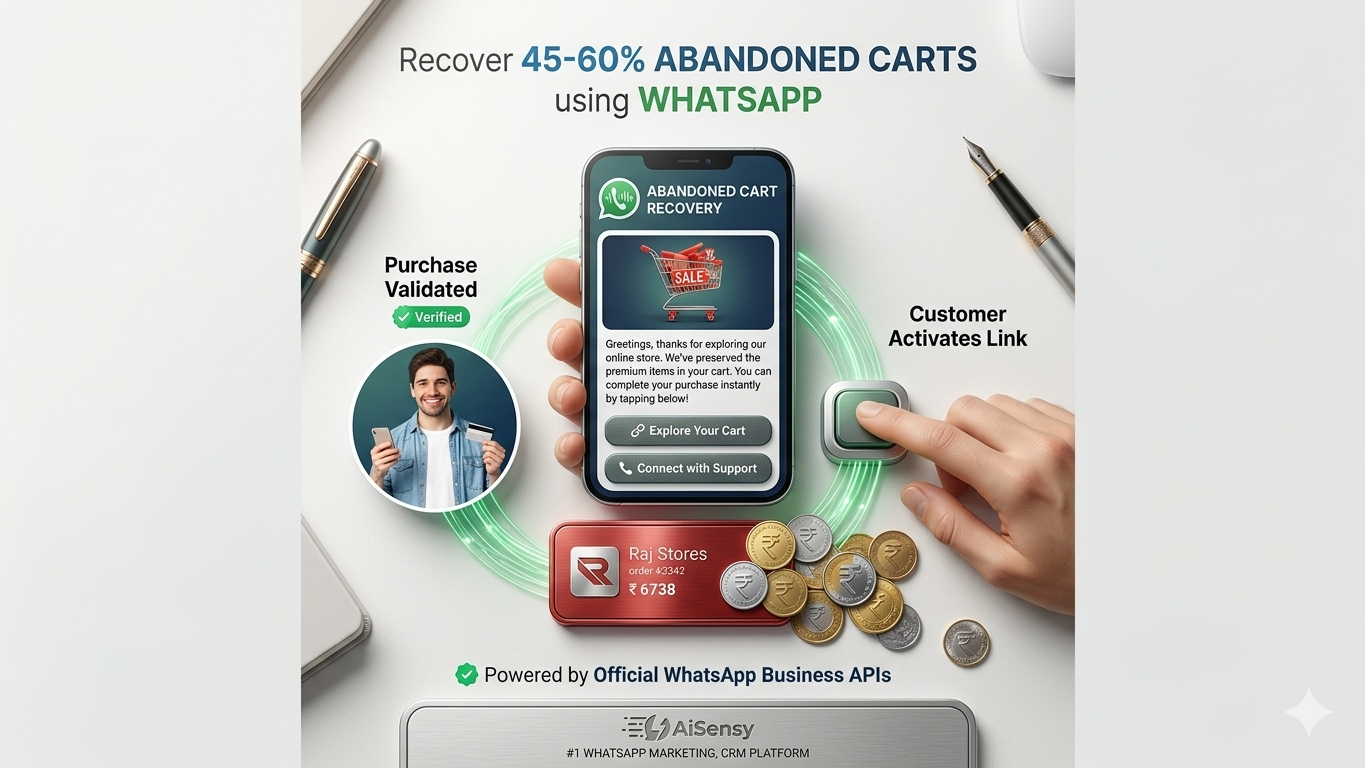
Automatically confirm orders via WhatsApp to reassure customers and reduce queries.
Example Messages:
Woohoo
Your order [Order No.] of [Product Name] for [Amount] is confirmed and will be delivered soon!
Thanks for shopping with us!
Dear [Name],
Your order [Product Name] from [Brand Name] is confirmed.
Estimated delivery: [Date].
Thank you for choosing us!
4.Automated Shipping NotificationsKeep customers informed with real-time shipping notifications.
Example Messages:
Hey [Name]!
Your order of [Product Name] for [Amount] is being shipped.
Track it here
Button: Track Order
Hey [Name],
Your order is out for delivery
Be ready to receive it!
Button: Track Order
5.Minimizing Return-to-Origin (RTO) LossesEncourage COD customers to prepay to reduce costly returns.
Example Message:
[Name], your order for [Product Name] is confirmed!
Pay now and get [Discount] off your purchase.
Use code [Code] below
Button: Pay Now
6. Collecting Order FeedbackCollect valuable feedback to improve products and services.
Example Messages:
Hey [Name], how did you like your [Product Name]?
Quick reply: Yes | No
Hey [Name],
Thanks for shopping with us!
Please fill out this form to share your feedback.
CTA: Fill Form
7. Refund Status NotificationInform customers promptly about refund status.
Example Message:
Your refund of [Amount] for [Product Name] has been processed to your [Card Name] ending [Last 4 Digits]. Expect credit by [Date].
Regards, (Your Brand Name)
8.Payment Alerts & ConfirmationsRemind customers about pending payments and confirm successful transactions.
Payment Reminder:
Your payment of [Amount] is due by [Date].
Please click below to pay.
CTA: Pay Now
Payment Confirmation:
Hi [Name],
Thank you for choosing [Brand Name].
Your payment of [Paid Amount] has been received successfully.
Regards, [Brand Name]
9. Scheduled Appointment RemindersSend timely appointment reminders with options to confirm, cancel, or reschedule.
Example Messages:
Hello [Client Name],
This is a reminder for your [Service] appointment tomorrow at [Time] with [Staff Name].
Quick replies: I’ll be there | Cancel | Reschedule
Hello [Client Name],
Reminder: Your [Service] appointment is scheduled for tomorrow at [Time] with [Staff Name]. If you can’t make it, please call [Phone Number] to reschedule.
10. Incomplete Application Follow-UpNudge users who abandoned lengthy applications (like loans or education courses) to complete their forms.
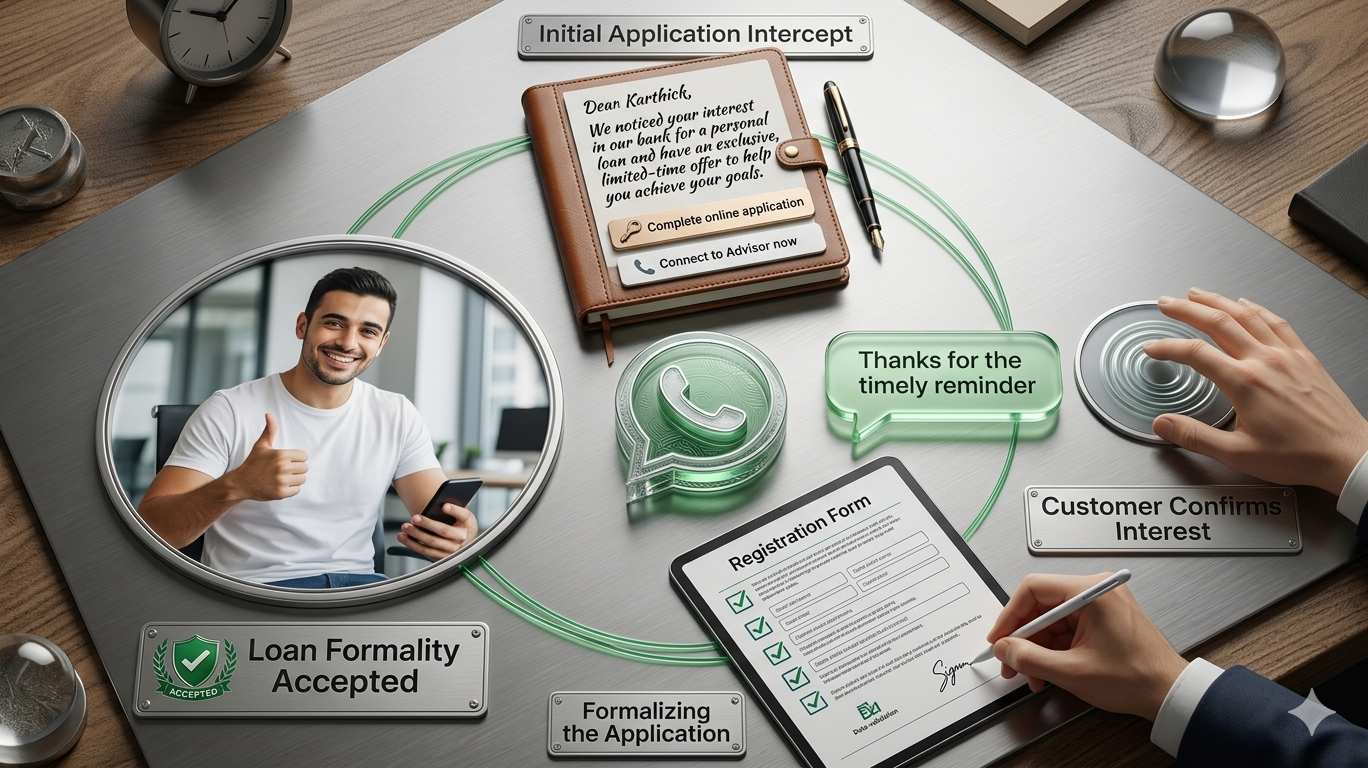
Dear [Name],
We noticed you started an application for [Insurance Type] Insurance on our website.
You can easily complete your registration by clicking the button below!
CTA: Complete Application
[Name], thank you for choosing [Course Name] as your course preference on our website.
The last date to submit your application is [Date]. ⏱
Don’t miss out! Complete your application by clicking the link below or call us if you have any questions.
CTAs: Complete Application | Call Now
WhatsApp carefully reviews every template to ensure it complies with their Message Template Guidelines. Keep these tips in mind:
- Use bold, italics, and ~strikethrough~ formatting, along with emojis, to enhance message effectiveness.
- Ensure proper formatting; incorrect format may cause message rejection.
- Include clear Call to Action or Quick Reply buttons, limited to 20 characters.
- Emojis help personalize your messages and increase engagement.
To send WhatsApp template messages, you need a WhatsApp Business API partner like Yugme Boom.
Yugme Boom is a WhatsApp Business API-powered marketing platform that allows you to easily create and broadcast messages to unlimited users with a single click.
With Yugme Boom, you can:
- Send promotional WhatsApp template messages to boost sales
- Automate transactional notifications with end-to-end encryption
- Respond to customer queries via 1:1 live chat
- Run retargeting campaigns targeting segmented audiences