Top 10 WhatsApp Template Messages for E-commerce Businesses
Last year, eCommerce businesses lost a staggering $756 billion due to poorly personalized customer experiences.
If you own an eCommerce business, personalizing your customer interactions is no longer optional—it’s essential. The most effective way to do this is by building personalized relationships through WhatsApp.
Leading brands like Skullcandy, Vivo, Rentomojo, and many others are enhancing customer engagement and driving sales by sending order confirmations, delivery updates, abandoned cart reminders, and more via WhatsApp using Yugme Boom.
In this blog, we’ll explore the 10 best WhatsApp template messages designed to help you create a personalized, impactful experience for your customers.
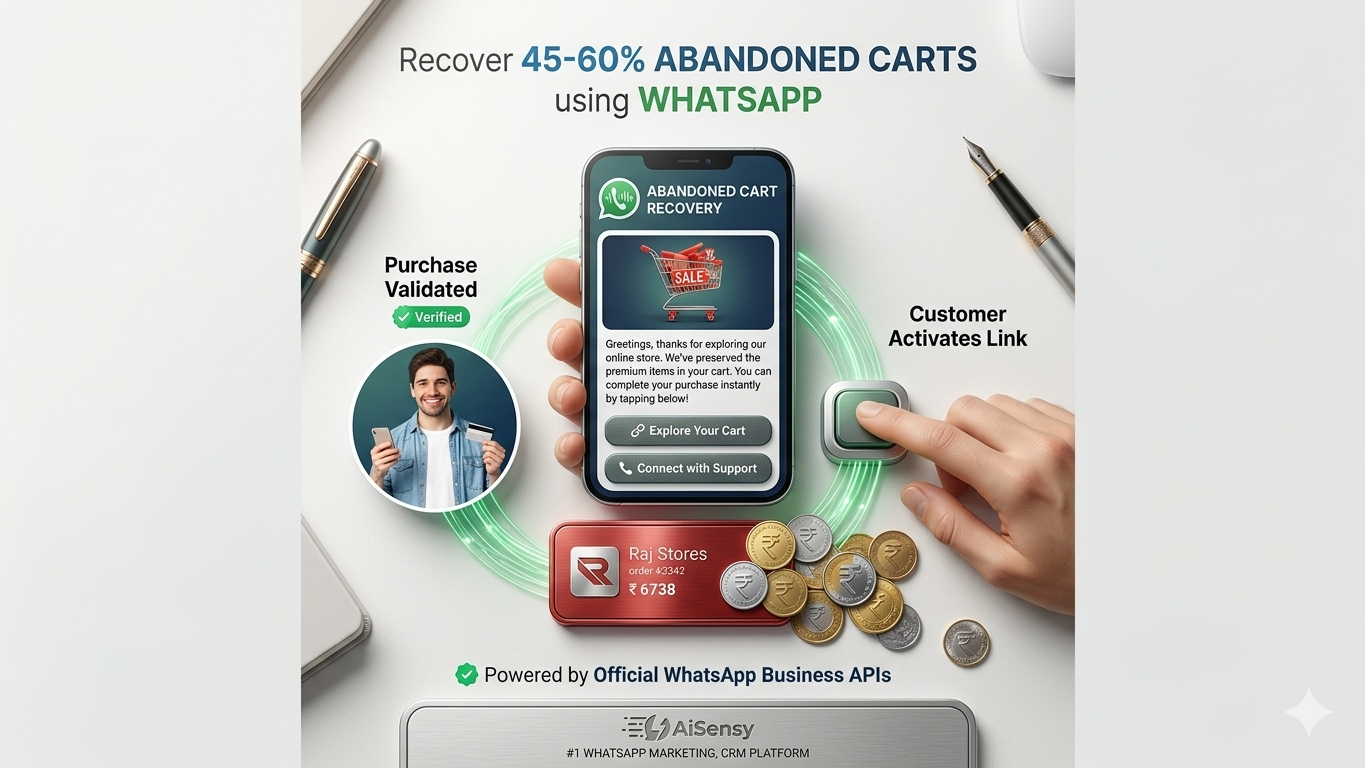
Hi [User Name]!
The amazing products from [Your Brand Name] are waiting for you!
Complete your purchase here
CTA: Buy Now
YOUR CART IS WAITING
[User Name], you added items to your cart but haven’t completed your purchase yet. Complete it now while they’re still available!
CTA: Complete Order
Note: You can attach clickable Call to Action buttons and Quick Replies with WhatsApp message templates.
WhatsApp abandoned cart reminders have helped Yugme Boom clients like Skullcandy recover up to 25-30% of abandoned carts. Start automating abandoned cart notifications with Yugme Boom and see the results yourself.
Also read: Complete WhatsApp Automation Guide
Automated Order Confirmation MessagesAutomate order confirmation notifications whenever a user purchases from your eCommerce store.
Examples:
Woohoo
Your order [Order No.] of [Product Name] for [Amount] has been confirmed and will arrive shortly
Thanks for shopping with us!
Dear [Name]
Your order for [Product Name] from [Brand Name] is confirmed!
Estimated delivery date: [Date]
Thanks for choosing us!
Order Confirmation with Upsell OffersCombine order confirmations with promotional offers to upsell related products.
Examples:
Hi [Name]
Great news! We received your order [Order No.] totaling Rs [Amount].
Your order is on its way
In the meantime, check out these amazing products like [Product Name]
Use coupon code [Code] for [Discount] off at checkout.
Button: Visit Website
Hi [User Name],
Your order is confirmed
Track your shipment or order details by clicking below.
While you wait, why not explore these products?
[Product A]
[Product B]
[Product C]
Real-Time Shipping Updates on WhatsApp93% of customers want real-time updates on their orders. Use WhatsApp to provide delivery status and tracking links.
Examples:
Hey [Name],
Great news!
Your order of [Product Name] from [Your Brand Name] has shipped.
Track your order here
CTA: Track Now
Hey [Name]
Your order from [Your Brand Name] is out for delivery
Delivery window: [Time]
Track here
Button: Track Order
Reduce Return-to-Origin (RTO) LossesMany COD orders get returned unopened, causing extra shipping costs. Convert COD to prepaid to reduce RTO losses by up to 50%.
Sample Messages:
[Name], your order for [Product Name] is confirmed
Pay now and get a flat [Discount] off your purchase
Use code [Code] below
Button: Pay Now
Hey [Name]
Thanks for purchasing [Product Name] from [Your Brand Name]!
Your product is on its way!
Pay now via UPI and get [Discount] off up to [Discounted Amount] on your order.
Button: Pay Now
Collect Product Feedback via WhatsAppGather customer feedback for continuous improvement.
Examples:
Hello [Name] We hope you enjoyed your [Product Name] purchased on [Date]
Please share your experience with us by choosing an option below
Quick Replies:
I'm Happy
I'm Very Happy
Not Satisfied
Hey [Name],
How was your [Product Name]?
Did you like it?
Quick Replies:
Yes
No
Order Cancellation NotificationsPersonalize order cancellation notifications and seek feedback to improve service.
Examples:
Hi [Name]!
Your order [Order No.] worth [Amount] has been cancelled.
We’re sorry it didn’t work out and hope to serve you again soon!
Sorry we couldn’t serve you this time as the purchase was cancelled by you.
What went wrong?
Share your feedback here
CTA: Feedback URL
Promote Cross-Sell Offers via WhatsAppBoost reorders by suggesting complementary products to existing customers.
Examples:
Hey [Name]
Your [Product Name] will be delivered soon
We thought you might like [Second Product Name] as well
Use code [Code] for [Discount] off at checkout!
CTA: Buy Now
[Name], thanks for purchasing [Product Name]!
As a loyal customer, we recommend these other [Your Brand Name] products : [Suggested Product]
Want to learn more?
Quick Replies:
Yes
No
Festive & Promotional WhatsApp OffersCombine festive greetings with exclusive offers to boost sales.
Example:
Hey [Name]
[Your Brand Name] wishes you a very happy [Occasion]
To celebrate, enjoy [Discount Percentage]% off on [Plan/Product].
Hurry, offer valid until [Date]
Use code: [Code]
CTA: Buy Now
Announce New Product Launches on WhatsAppPromote product launches with images, videos, and documents to thousands on WhatsApp.
Examples:
Hey [Name]
Good news!
[Your Brand Name] introduces our new product—[Product Name] to help you [Feature]
Be among the first [Number] to order & win a [Amount] gift card!
CTA: Check It Now
Hey [Name]
Based on your last purchase of [Product Name], we think you’ll love our [Suggested Product]
Use code [Code] for [Discount] off. Make it yours now!
CTA: Shop Now
Important Tips for Creating WhatsApp Template- Use bold, italics, ~strikethrough~, and emojis to enhance message appeal.
- Ensure correct message formatting to avoid rejection.
- Include clear Call to Action or Quick Reply buttons (max 20 characters).
- Personalize messages with emojis to engage customers.
To send WhatsApp template messages, partner with a WhatsApp Business API provider like Yugme Boom.
Yugme Boom enables you to easily create and broadcast WhatsApp Template Messages to unlimited users with a single click.
You can send these messages only to users who have opted in to receive WhatsApp notifications from your business.
With Yugme Boom, you can:
- Send promotional template messages to increase sales
- Automate transactional notifications securely with end-to-end encryption
- Provide 1:1 live chat support
- Run retargeting campaigns to segmented audiences
Common Questions Regarding E-commerce Businesses
Learn what WhatsApp Template Messages are, how to get them approved, allowed media types, editing rules, and content guidelines for safe business communication.