Top 100 WhatsApp Template Messages for Every Industry
If you’re using WhatsApp Business API, sending a WhatsApp Template Message is required to initiate conversations with your users.
Each template undergoes careful review by WhatsApp to ensure it complies with their Message Template Guidelines.
However, the formatting rules and guidelines can be overwhelming if you’re new to creating WhatsApp templates.
To simplify this process, we’ve compiled 100 practical WhatsApp templates across 10+ industries that will be incredibly valuable for your business.
These industry-specific templates serve as your ultimate cheat sheet for mastering WhatsApp communication like a pro.
Before we dive in, here are some helpful resources to get you started.
Overview
Understanding WhatsApp Template Messages
Tips for Crafting Effective WhatsApp Templates
E-commerce WhatsApp Message Templates
WhatsApp Templates for Educational Institutions
Banking & Finance WhatsApp Templates
WhatsApp Templates for Events & Webinars
Travel & Tourism WhatsApp Templates
HR & Recruitment WhatsApp Templates
Real Estate WhatsApp Templates
Healthcare WhatsApp Message Templates
Restaurant & Food Delivery WhatsApp Templates
Gym & Fitness WhatsApp Templates
Automobile Industry WhatsApp Templates
Government Sector WhatsApp Templates
SaaS Business WhatsApp Templates
Rules for WhatsApp Template Messages
Guide to Sending WhatsApp Templates
AI-Powered WhatsApp Template Generator
Frequently Asked Questions About WhatsApp Templates
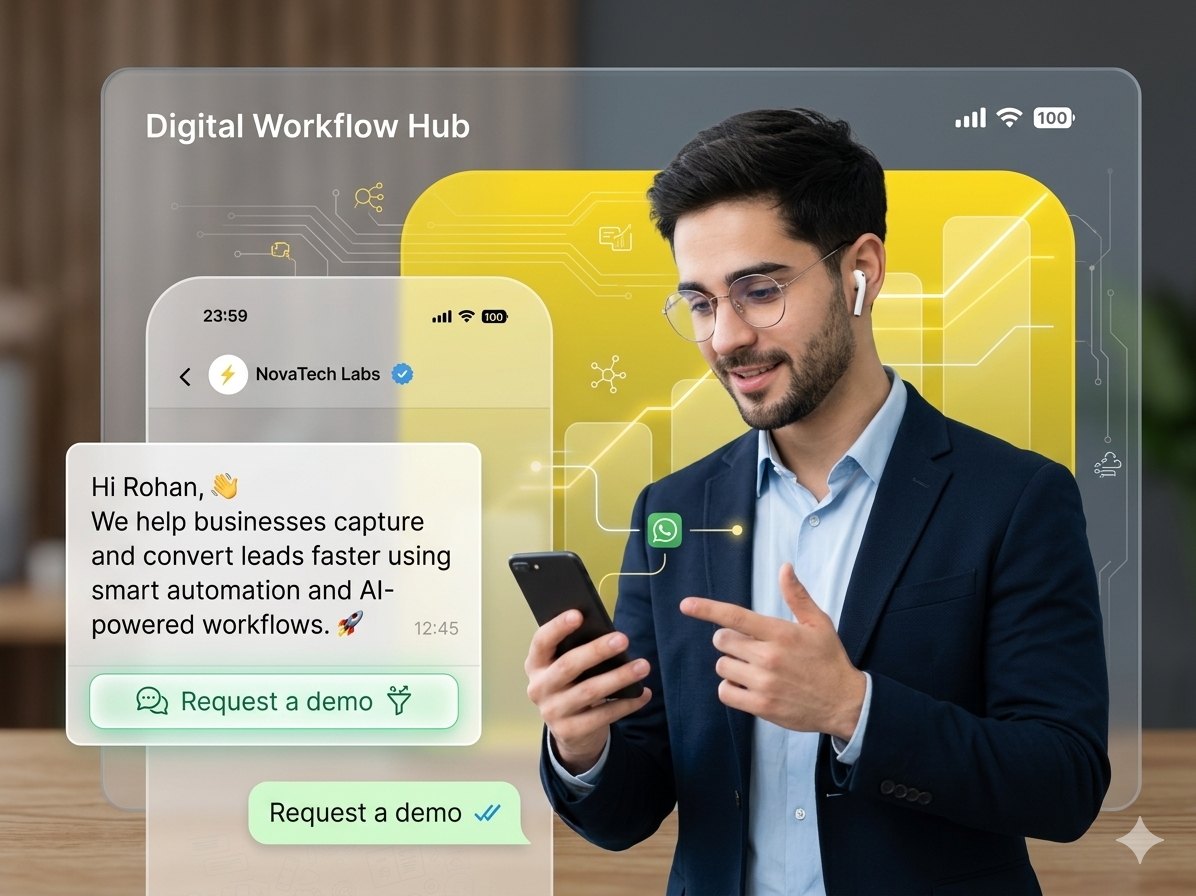
To start a conversation with a prospect on WhatsApp using the WhatsApp Business API, businesses must submit their template message for approval through Meta via platforms like Yugme Boom.
WhatsApp templates were introduced to prevent spam and ensure meaningful communication between businesses and users.
Popular Use Cases for WhatsApp Template MessagesWhatsApp templates can be used across various business scenarios to engage customers effectively:
Order & Delivery Updates: Send notifications for order confirmations, shipping progress, and delivery status. Promotions & Offers: Share special deals, flash sales, and seasonal campaigns to boost sales. Event & Appointment Alerts: Remind customers about upcoming events, appointments, or schedule changes. Newsletters & Product Updates: Keep users informed with weekly newsletters, product launches, and content updates. Payment & Billing Notifications: Notify customers about payment reminders, bills, and invoices. Security & OTP Alerts: Send OTP verification codes, security alerts, and fraud warnings to ensure account safety. Account & Registration Updates: Confirm account creation, registrations, or enrollment details with users. Best Practices for Crafting Effective WhatsApp Template MessagesBefore exploring industry-specific examples, follow these key principles to create high-performing WhatsApp template messages:
- Start with a Strong Opening: Personalized greetings like “Thanks for your purchase” or “Congratulations on your enrollment” can boost engagement by up to 35%.
- Use Formatting Strategically: Highlight important information using Bold, Italics, or ~Strikethrough~, but avoid overdoing it.
- Add Personality: Include relevant emojis to make messages friendly and engaging, while maintaining professionalism.
- Create Urgency When Needed: Encourage timely action with phrases like “Offer expires in [X hours]” or “Valid until [Date]”.
- Keep It Short: Messages under 150 characters tend to achieve three times higher response rates.
- Optimize for Mobile: Most users read WhatsApp on their phones, so test templates to ensure they display correctly on mobile screens.
- Include Interactive Buttons: Add quick action buttons like “Book Now” or “Track Order” to boost conversions.
E-commerce businesses can use WhatsApp template messages to engage customers, recover abandoned carts, share product updates, and provide order and payment information.
Many shoppers leave items in their carts without completing checkout. Reconnect with them using automated WhatsApp messages:
Hi {{name}}!
Your favorite products from {{brand name}} are waiting for you!
Grab them now
CTA - Buy Now
Tip: Include clickable buttons or quick reply options for better conversion.
2. Order Confirmation MessagesAutomatically notify customers when their purchase is confirmed:
Hi {{name}}
Your order is confirmed
Order #{{order_id}}
{{product_name}}
Amount: {{amount}}
Expected delivery: 2-3 days
{{cta_button_track}}
3. Order Confirmation with UpsellUpsell related products while confirming the order:
Hi {{name}}
Your order {{Order No}} of {{product}} for {{amount}} is confirmed.
Arriving in 2-3 days.
Customers also loved {{complementary_product}}.
Get {{discount}}% off now!
{{cta_button_shop}} | {{cta_button_track}}
- Shipping & Delivery Notifications
Keep customers updated about their order status:
Hi {{name}}
Your order is on the way!
Tracking: {{tracking_link}}
Delivery: {{delivery_date}}
Address: {{delivery_address}}
Track your package here: {{cta_button}}
CTA - Track Now
5. Reduce Return-to-Origin (RTO) LossesEncourage COD customers to pay upfront to prevent returns:
Hi {{name}}
Thanks for purchasing {{Product name}} from {{brand name}}.
Pay via UPI & get {{Discount}} off
Button - Pay Now
6. Collect Product FeedbackAsk customers for their opinions to improve products and services:
Hello {{name}}
We hope you enjoyed {{Product name}} purchased on {{Date}}
Share your experience:
Quick Replies: Excellent | Good | Average | Poor | Needs Improvement
7. Order Cancellation AlertsSend personalized messages when an order is canceled:
Hi {{name}}!
Your order {{Order No}} of {{Amount}} has been canceled.
Sorry we missed serving you. What went wrong?
Share feedback here
[CTA - Feedback URL]
8. Cross-Selling MessagesPromote complementary products to existing customers:
Hey {{Name}}
Customers who bought {{product1}} also loved {{product2}}!
Use code {{Code}} at checkout for 10% off.
CTA - Buy Now
9. Festive & Promotional OffersIncrease sales during festive seasons with targeted promotions:
Hey {{Name}}
{{Brand Name}} wishes you a happy {{Occasion}}
Special Offer: {{Discount}}% off on {{plan/product}}
Offer valid until {{Date}}
Use Code: {{Code}}
CTA - Shop Now
10. New Product Launch NotificationsPromote new products to thousands of customers at once:
Hey {{Name}}
Exciting news!{{Brand Name}} launches {{Product name}} to help you {{Feature}}
Be among the first {{Number}} to order & win {{Amount}} gift card!
CTA - Check it Now
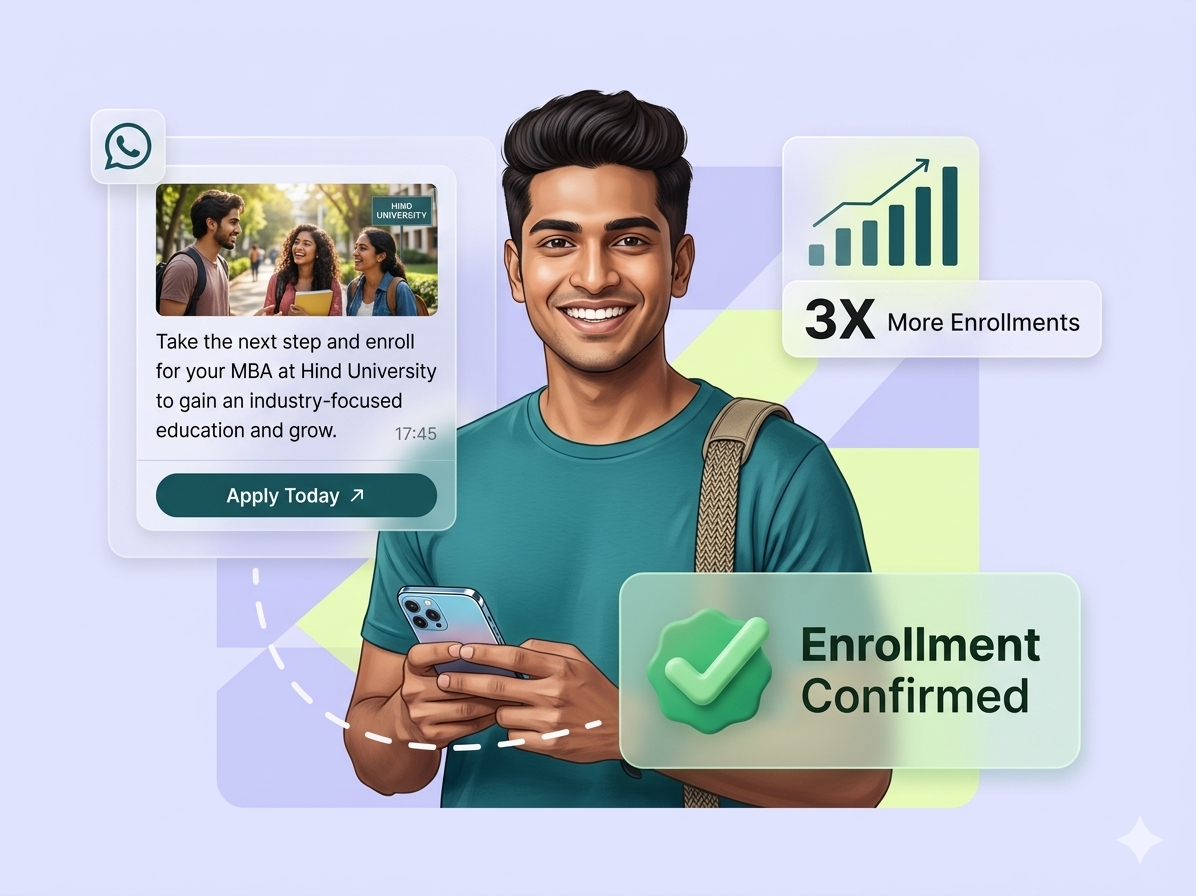
WhatsApp template messages offer multiple use cases for educational institutes to engage students, parents, and prospects efficiently. Here are some key examples:
1. Recover Abandoned ApplicationsMany applicants start filling enrollment forms but leave midway. Sending a WhatsApp reminder can recover 35–45% of drop-offs.
Hi {{name}},
Your application for {{course_name}} is almost complete!
You have until {{deadline}} to finish it.
Complete your application in just 2 minutes: {{cta_button}}
Questions? Contact us: {{contact_link}}
Case Study: Institutes like NMIMS have converted up to 60% of abandoned applications using WhatsApp reminders.
2. Course Details NotificationShare course details with interested users to boost enrollments.
Hi {{name}},
Thanks for showing interest in {{Course Name}}. Here are the details:
- Fees: {{Fees}}
- Eligibility: {{Eligibility}}
- Important Dates: {{Date}}
For queries, reach us anytime.
3. Enrollment ConfirmationNotify students about successful enrollment with personalized WhatsApp messages.
Congratulations {{name}}
You've been enrolled in {{course_name}}!
- Start Date: {{start_date}}
- Instructor: {{instructor_name}}
- Access Class/Materials: {{class_link}}
Send weekly or monthly attendance updates to students.
Dear {{Student Name}},
Your attendance for {{month}} is {{Attendance %}}
Total Classes: {{Number}}
Present: {{Number}}
Absent: {{Number}}
Regards, {{Institute Name}}
5. Fee Payment RemindersRemind students of upcoming fee deadlines 3–5 days in advance.
Dear {{name}},
A fee of {{fee amount}} for {{Month}} is due by {{due date}}.
Kindly pay on time to avoid extra charges.
Regards, {{Institute Name}}
6. Class Reschedule NotificationsInform students immediately if class timings change.
Dear {{Student Name}},
Important: Class Reschedule
Your {{Subject Name}} class is now on {{Date}}
Regards, {{Institute Name}}
7. Admission AnnouncementsNotify parents about new admissions and encourage form submissions.
Dear {{Parent Name}},
Admissions for the academic year {{Academic Year}} are now open at {{Institute Name}}.
Secure your ward’s seat before it’s too late!
CTA - Fill Form
8. Results AnnouncementSend official notifications for exam results instead of relying on forwards.
Dear {{name}},
Results for {{Class Name}} are now available!
Check your grades here: {{CTA - Check Result}}
9. Holiday AnnouncementsInform students and parents about unexpected holidays or schedule changes.
Dear {{Parent/Student Name}},
{{Institute Name}} will remain CLOSED on {{Date}} due to {{Reason}}.
Regular classes resume on {{Date}}.
Regards, Admin Office
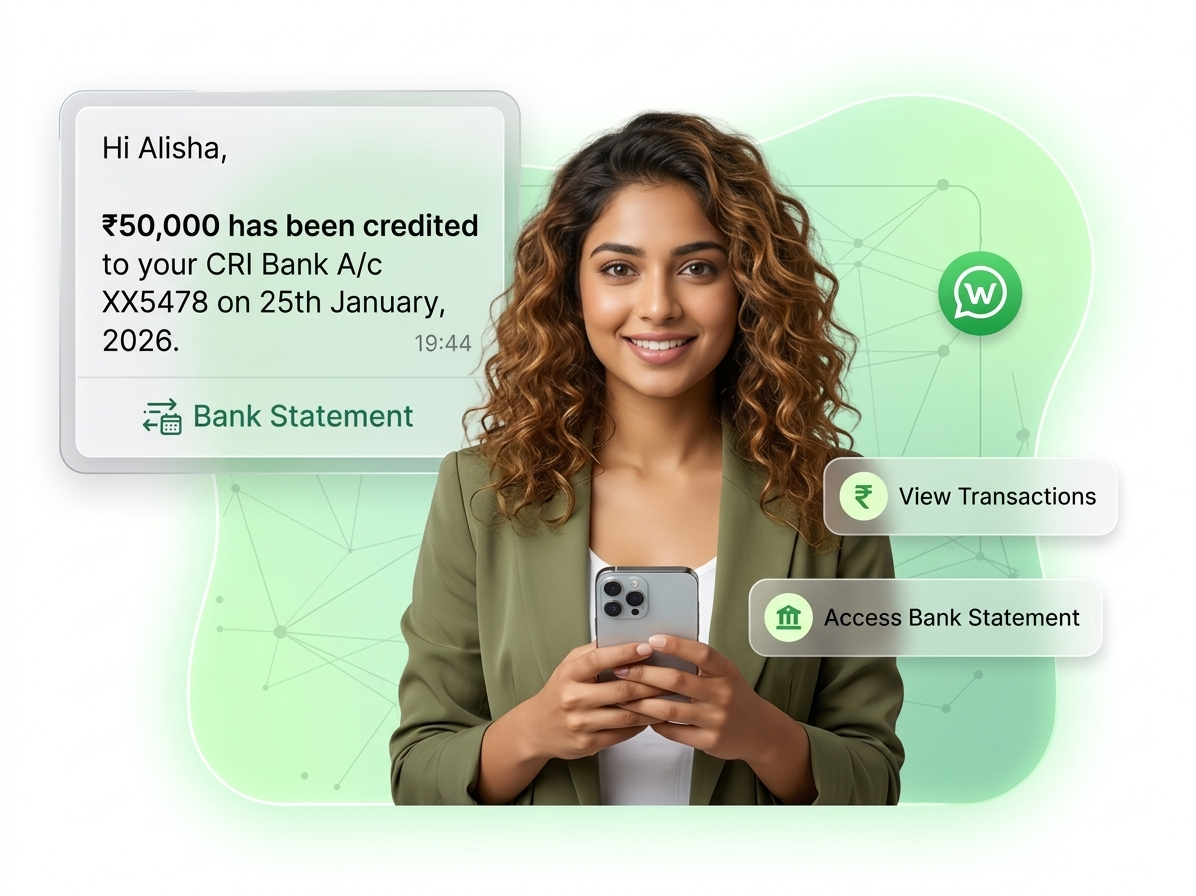
WhatsApp is a secure platform for banks and financial institutions to communicate with customers. With end-to-end encryption, it is ideal for sharing OTPs, passwords, account updates, and statements. Below are practical WhatsApp template examples for the financial sector:
1. Loan Application Dropoff ReminderRemind users who started filling an insurance or loan application but didn’t complete it.
Dear {{name}},
Thank you for choosing {{Company Name}} for your insurance application.
Complete your registration quickly by clicking the button below!
CTA - Complete Application
2. Loan Approval NotificationInform users instantly when their loan application is approved.
Hi {{name}},
Great news! Your loan with {{Bank Name}} has been approved.
Loan documents are attached. For questions, contact us anytime.
Kind regards, {{Bank Name}}
3. New Account CreatedNotify users when they open a bank account or sign up on a fintech platform.
Hey {{customer-name}},
Welcome to {{Bank Name}}! We’ll send you important updates, alerts, and statements on WhatsApp.
Reply 'STOP' anytime to opt-out.
4. Credit Card Payment ReminderEncourage early credit card payments for timely collections.
Hi {{name}},
Clear your outstanding dues of {{amount}} to free up your {{Bank Name}} credit limit.
CTA - Pay Now
5. Large Transaction AlertNotify users about high-value transactions to prevent fraud.
Hi {{name}},
An amount of {{amount}} was transferred from your account ending {{xxxx}}.
If this wasn’t you, contact us immediately.
Quick Replies: [It was me] | [It was not me]
6. Account Debit NotificationInform users when money is debited from their accounts.
{{name}},
Your account ending {{xxxx}} was debited by {{amount}}.
Updated balance: {{balance}}
CTA - Call Now if not authorized
7. OTP DeliverySend OTPs securely via WhatsApp instead of SMS or email.
Your OTP for the transaction of {{amount}} on card ending {{xxxx}} is {{OTP}}.
Valid for 5 minutes. Do not share.
{{Bank Name}}
8. ATM Transaction NotificationKeep users informed of ATM withdrawals in real-time.
Hi {{name}},
You withdrew {{amount}} from {{ATM location}}.
Total balance: {{balance}}
Quick Replies: [It was me] | [It was not me]
9. Monthly Bank StatementSend account statements securely via WhatsApp.
Hi {{name}},
Your bank statement for {{month}} is ready.
Check the attached PDF for details.
Regards, {{Bank Name}}
Boost your event registrations and webinar signups using WhatsApp template messages. Here are some practical examples:
1. Registration Confirmation MessageNotify participants immediately after they register for your event or webinar.
Hi {{name}},
Your registration for {{event_name}} has been successfully confirmed.
Date: {{event_date}}
Time: {{event_time}} ({{timezone}})
Location: {{event_location}}
Access your event resources here:
{{cta_button}}
2. Event & Webinar Invitation MessageInvite potential attendees by highlighting the benefits of joining your webinar or event.
Join us for {{event_name}} hosted by {{Company Name}} to gain insights on {{Reasons to Join}}.
It's free to attend. Register now by clicking the button below:
CTA - Register Now
3. Webinar Reminder MessageRemind registered participants to join the session and avoid drop-offs.
Hi {{name}},
Are you attending {{Webinar Name}} hosted by {{Host Name}}?
Limited seats available – first {{Number}} participants only.
Ensure you join the live session on time to not miss out.
CTA - Join Webinar
WhatsApp is an excellent platform to drive sales and boost revenue for the Travel & Tourism industry.
Travel agencies, tour operators, and airlines can automate promotional messages, alerts, reminders, and more using the WhatsApp Business API.
Explore some of the best WhatsApp template messages tailored for Travel & Tourism businesses:
1. Exclusive Travel DealsOne of the primary uses of WhatsApp for travel agencies is sending marketing and promotional messages to increase bookings.
Example Message:
Hey [recipient_name],
[Travel Destination] is calling!
Enjoy an all-inclusive 8-night holiday with [Brand Name] for only [Price].
Hurry, this offer won’t last long!
CTA: Book Now
2. Retargeting Existing CustomersRun targeted WhatsApp retargeting campaigns with AiSensy, which automatically segments your audience based on message delivery, reads, and replies.
Example Message:
Hey [Name],
Since you loved [Destination], we thought you might also be interested in [Destination 2] or [Destination 3].
Check out exciting deals for these locations below!
CTA: Check Latest Deals
3. Flight ReminderSend timely flight reminders to keep travelers informed.
Example Message:
Hi {{name}},
Your flight is tomorrow!
Flight: {{flightnumber}}
Date: {{departuredate}}
Time: {{departuretime}}
Airport: {{airport}}
Please arrive 3 hours early for international flights!
Check in here: {{ctabutton}}
4. Airline AlertsAllow customers to check their flight status with automated WhatsApp alerts.
Example Message:
Hey [recipientname],
Online check-in for flight [flightnumber] to [traveldestination] is now open.
Check in at [websiteurl] and follow the instructions.
We look forward to welcoming you onboard [aircraft] at [departure_time].
5. Newsletter PromotionWith WhatsApp’s 98%+ open rate, it’s the perfect channel to promote your travel newsletters and increase audience engagement.
Example Message:
Hi [First Name],
Discover the top 10 most underrated travel destinations for [Year].
Get inspired for your next adventure!
6. Referral Program InvitationGrow your user base by launching a referral program on WhatsApp, offering rewards for each successful referral.
Example Message:
Hi [Name],
Thanks for subscribing to WhatsApp updates from [Your Brand Name]!
Refer friends and earn [Amount] in Travel Credits for each friend who signs up using your referral code: [Referral Code].
HR and recruitment teams can leverage WhatsApp template messages to simplify hiring communication, send interview reminders, provide application updates, and onboard new employees. These templates help recruiters stay organized while keeping candidates informed throughout the recruitment process.
1. Interview InvitationInvite shortlisted candidates with all necessary details.
Sample Template:
Hello {{1}},
Thank you for applying for the {{2}} position at {{3}}.
We invite you for an interview on {{4}} at {{5}}.
Please confirm your availability.
Best regards,
{{3}} HR Team
2. Interview ReminderRemind candidates about their upcoming interviews.
Sample Template:
Hi {{1}},
This is a reminder for your interview with {{2}} for the {{3}} role on {{4}} at {{5}}.
We look forward to speaking with you.
Regards,
{{2}} Recruitment Team
3. Application Status UpdateKeep candidates informed about their application progress.
Sample Template:
Hello {{1}},
Thank you for applying for the {{2}} role at {{3}}.
Your application is currently {{4}}.
We’ll notify you with further updates.
Thank you for your patience.
4. Document Submission RequestAsk candidates to submit documents for verification.
Sample Template:
Hi {{1}},
To proceed with your application for {{2}}, please share the following documents:
{{3}}
Kindly submit them by {{4}}.
Regards,
{{5}} HR Team
5. Job OfferShare offer details with selected candidates.
Sample Template:
Congratulations {{1}}!
We’re pleased to offer you the {{2}} position at {{3}}.
Review the offer here: {{4}}
Please confirm your acceptance by {{5}}.
6. Employee OnboardingProvide onboarding instructions to new hires.
Sample Template:
Hello {{1}},
Welcome to {{2}}! We’re excited to have you on board.
Your joining date is {{3}}.
Complete your onboarding steps here: {{4}}
See you soon!
Engage potential buyers, renters, or investors effectively with these Real Estate WhatsApp template messages. Use them to share property updates, confirm visits, and drive faster conversions.
Property Visit ConfirmationKeep your clients informed and professional when confirming property visits.
Sample Template:
Hi {{Name}}, your visit to {{Property Name}} is confirmed for {{Date & Time}}. Our representative will be ready to assist you.
Quick Replies: [Confirm] | [Reschedule]
New Property AnnouncementsNotify leads about new listings that match their preferences.
Sample Template:
Hello {{Name}}, we’ve just listed a new property in {{Location}} that suits your preferences.
Check the details here: {{CTA Button – View Listing}}
Rent Payment ReminderSend timely reminders for upcoming rent payments.
Sample Template:
Hi {{Name}}, this is a reminder that rent for {{Property Name}} is due on {{Date}}. Please ensure timely payment to avoid late fees.
CTA Button – Pay Now
Open House InvitationsInvite leads to visit and explore properties in person.
Sample Template:
Hi {{Name}}, you’re invited to an open house at {{Property Name}} on {{Date}}. Come see your future home!
CTA Button – RSVP Now
Enhance patient communication, appointment management, and health updates with these ready-to-use WhatsApp Template Messages for healthcare providers:
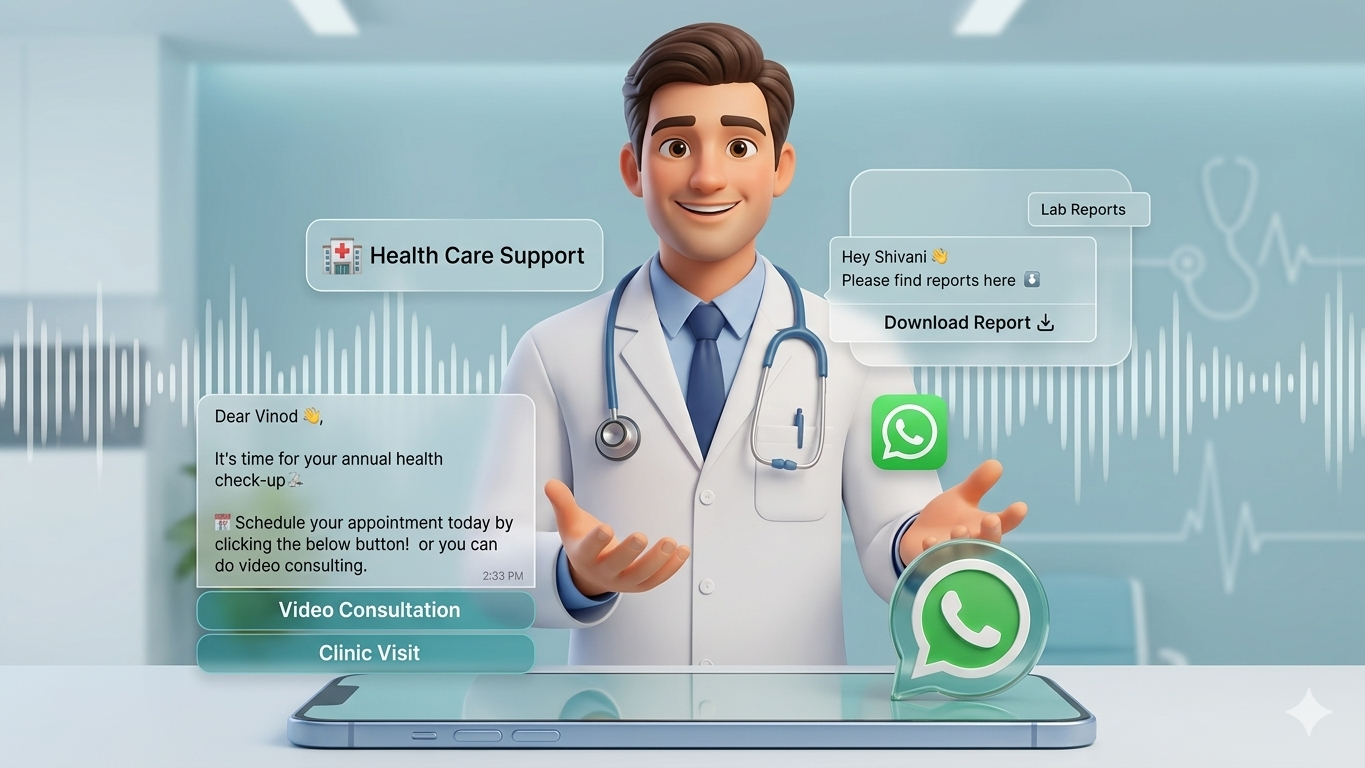
Notify patients about confirmed doctor appointments.
"Hi {{patient-name}}, your appointment with Dr. {{doctor}} is confirmed for {{date}} at {{time}}.
Location: {{location}}
Please arrive 10 minutes early.
Reply YES to confirm or NO to cancel."
2. Appointment ReminderSend reminders to reduce no-shows.
"Reminder: Your appointment with Dr. {{doctor}} is scheduled for tomorrow at {{time}}.
Clinic: {{location}}
Need to reschedule? [Reschedule]"
3. Missed Appointment Follow-UpEncourage patients to reschedule missed appointments.
"Hi {{name}}, you missed your appointment with Dr. {{doctor}} today. Would you like to book a new slot?
[Book New Slot]"
4. Lab Report NotificationDeliver test results securely.
"Hi {{name}}, your lab test report is ready.
Test: {{test_name}}
[Download Report]
Contact us for any queries."
5. Teleconsultation ReminderShare online consultation details.
"Hi {{name}}, your online consultation with Dr. {{doctor}} is scheduled for {{date}}.
Join here: [Join Call]
Have your health details ready."
6. Vaccination CampaignsInform patients about vaccination slots.
"Hi {{name}}, COVID-19 vaccination slots are open at {{location}}.
Date: {{date}} | Time: {{time}}
Book your slot now!
[Book Vaccine]"
7. Health Awareness CampaignsPromote health campaigns or offers.
"Take charge of your health!
Gynecologist consultation at 20% OFF.
Offer valid until {{offer_end_date}}
[Book Now]"
WhatsApp Template Messages for Restaurants & Food DeliveryRestaurants and food delivery services can use WhatsApp template messages to confirm orders, share delivery updates, promote offers, and collect customer feedback. These messages enhance customer experience and encourage repeat orders.
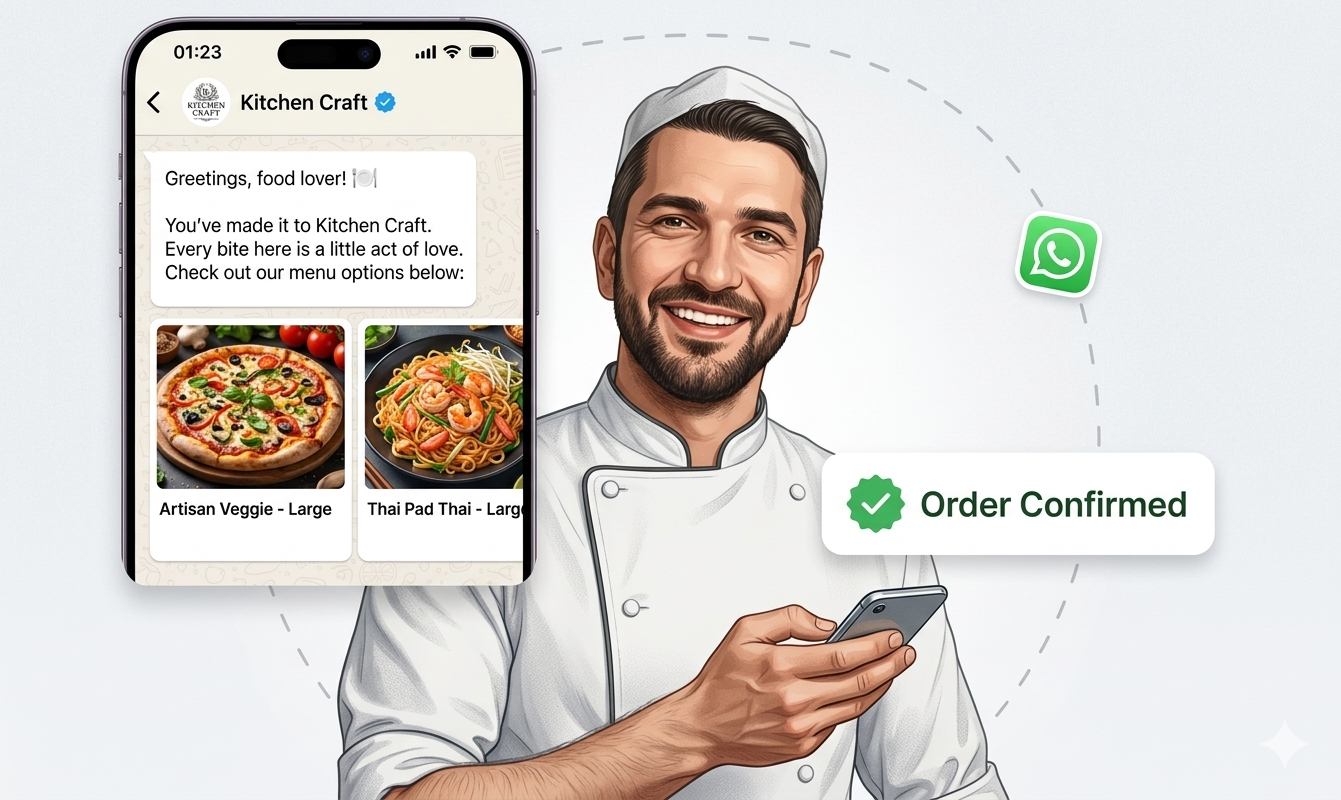
Notify customers immediately after placing an order.
Hi {{1}},
Your order #{{2}} from {{3}} has been successfully placed.
Estimated preparation time: {{4}} minutes.
We’ll notify you once your order is ready.
2. Order Dispatch NotificationInform customers when their food is on the way.
Hello {{1}},
Your order #{{2}} from {{3}} is out for delivery.
Delivery partner: {{4}}
Estimated arrival: {{5}}
Enjoy your meal!
3. Special Offers & DiscountsSend promotions to boost orders.
Hi {{1}},
Enjoy {{2}}% OFF on your next order at {{3}}!
Use code: {{4}}
Offer valid until {{5}}.
Order now: {{6}}
4. Table Reservation ConfirmationConfirm bookings with all necessary details.
Hello {{1}},
Your table reservation at {{2}} is confirmed.
Date: {{3}} | Time: {{4}} | Guests: {{5}}
We look forward to serving you!
5. Order Feedback RequestCollect feedback after delivery.
Hi {{1}},
We hope you enjoyed your meal from {{2}}.
Please rate your experience here: {{3}}
Your feedback helps us serve you better!
6.Reorder ReminderEncourage repeat purchases effortlessly.
Hello {{1}},
Missing your favorite meal from {{2}}?
Reorder your last order in one click: {{3}}
See you soon!
Gyms and fitness centers can leverage WhatsApp template messages to confirm memberships, send class reminders, promote programs, and keep members motivated to achieve their fitness goals.
1. Membership ConfirmationSend a warm confirmation when a new member signs up.
Sample Template:
Hi {{1}},
Welcome to {{2}} Fitness Center!
Your membership plan {{3}} is now active until {{4}}.
Let’s kickstart your fitness journey!
2. Class ReminderRemind members about their scheduled group or fitness classes.
Sample Template:
Hello {{1}},
This is a reminder for your {{2}} class today at {{3}}.
Time: {{4}}
Trainer: {{5}}
See you in class!
3. Personal Training Session ReminderNotify members about upcoming personal training sessions.
Sample Template:
Hi {{1}},
Reminder: Your Personal Training Session with {{2}} is scheduled for {{3}} at {{4}}.
Let’s achieve your fitness goals together!
4. Membership Renewal ReminderEncourage members to renew their gym membership before it expires.
Sample Template:
Hello {{1}},
Your {{2}} membership at {{3}} expires on {{4}}.
Renew now to continue your fitness journey: {{5}}
5. Fitness Challenge PromotionPromote upcoming challenges, programs, or events to boost engagement.
Sample Template:
Hi {{1}},
Join our {{2}} Fitness Challenge starting on {{3}}!
Get expert coaching, meal plans, and exciting rewards.
Register here: {{4}}
6. Progress Check-InMotivate members and help them track their progress regularly.
Sample Template:
Hello {{1}},
How is your fitness journey going at {{2}}?
It’s time for your monthly progress check-in.
Book your session here: {{3}}
Spas and salons can leverage WhatsApp message templates to streamline communication by confirming bookings, sending appointment reminders, promoting services, and reconnecting with clients. These messages not only boost customer retention but also help minimize no-shows.
1. Appointment Confirmation TemplateConfirm appointments promptly after booking to reassure clients.
Sample:
Hi {{1}},
Your appointment at {{2}} Salon & Spa is confirmed.
Service: {{3}}
Date: {{4}}
Time: {{5}}
We look forward to welcoming you!
2. Appointment Reminder TemplateSend timely reminders about upcoming appointments to keep clients on track.
Sample:
Hello {{1}},
This is a reminder for your {{2}} appointment at {{3}}.
Date: {{4}}
Time: {{5}}
Reply if you need to reschedule.
3. Service Promotion TemplateHighlight new or seasonal services with special offers.
Sample:
Hi {{1}},
Treat yourself with our {{2}} special offer!
Enjoy {{3}}% OFF on {{4}} this week.
Book now: {{5}}
4. Package Promotion TemplateEncourage clients to try bundled packages for a full experience.
Sample:
Hello {{1}},
Relax and rejuvenate with our {{2}} Package at {{3}}.
Includes: {{4}}
Reserve your spot here: {{5}}
5. Loyalty Rewards TemplateShow appreciation to returning clients with exclusive discounts.
Sample:
Hi {{1}},
Thank you for being a loyal client at {{2}}.
Enjoy {{3}}% OFF your next visit.
Claim your reward here: {{4}}
6. Review Request TemplateInvite clients to share their feedback after their visit.
Sample:
Hello {{1}},
We hope you enjoyed your {{2}} service at {{3}}.
Please share your thoughts here: {{4}}
Your feedback means a lot to us!
Automobile businesses—including car dealerships, service centers, and manufacturers—can use WhatsApp templates to confirm test drives, send service reminders, provide delivery updates, and promote new models. These messages keep customers engaged throughout the vehicle purchase and ownership experience.
1. Test Drive ConfirmationConfirm scheduled test drives with customers promptly.
Sample:
Hi {{1}},
Your test drive for the {{2}} at {{3}} is confirmed.
Date: {{4}}
Time: {{5}}
We look forward to welcoming you at our showroom!
2. Service Appointment ReminderRemind vehicle owners about their upcoming service appointments.
Sample:
Hello {{1}},
This is a reminder for your {{2}} service appointment at {{3}}.
Date: {{4}}
Time: {{5}}
Reply if you need to reschedule.
3. Vehicle Service Completion NoticeNotify customers when their vehicle service is complete and ready for pickup.
Sample:
Hi {{1}},
Your {{2}} is ready for pickup from {{3}}.
Service completed on {{4}}.
Thank you for choosing us!
4. New Car Launch AnnouncementPromote newly launched models to interested buyers.
Sample:
Hello {{1}},
The all-new {{2}} has arrived at {{3}}!
Experience advanced features, premium design, and powerful performance.
Book your test drive here: {{4}}
5. Vehicle Delivery UpdateKeep customers informed about their vehicle delivery status.
Sample:
Hi {{1}},
Good news! Your {{2}} will be ready for delivery on {{3}}.
Please visit {{4}} showroom to complete the process.
Congratulations on your new car!
6. Service Due ReminderRemind customers when their vehicle is due for routine servicing.
Sample:
Hello {{1}},
Your {{2}} is due for its scheduled service this month.
Book your appointment at {{3}} here: {{4}}
Keep your vehicle running smoothly!
7. Customer Feedback RequestCollect valuable feedback after service visits or purchases.
Sample:
Hi {{1}},
Thank you for visiting {{2}}.
We’d appreciate your feedback on your experience.
Please share your thoughts here: {{3}}
Your input helps us improve.
Essential WhatsApp Templates for Government Communication to Keep Citizens InformedGovernment agencies and public service organizations can use WhatsApp templates for announcements, application updates, and emergency alerts. These messages enhance transparency and ensure citizens stay informed.
1. Application Submission ConfirmationConfirm receipt when a citizen submits a government service application.
Sample:
Hello {{1}},
Your application for {{2}} has been successfully submitted.
Application ID: {{3}}
Track your application status here: {{4}}
2. Application Status UpdateNotify citizens about changes in their application status.
Sample:
Hi {{1}},
The status of your {{2}} application (ID: {{3}}) is now {{4}}.
For more information, visit: {{5}}
3. Road Closure NotificationInform residents about road closures, construction, or traffic restrictions.
Sample:
- Traffic Advisory – Road Closure Notice
Alternate routes: {{6}}.
Plan your travel accordingly to avoid delays.
Live updates: {{7}}
4. Public Health AlertShare health advisories related to outbreaks, vaccination drives, or precautions.
Sample:
- Public Health Alert
The {{2}} Health Department has issued an advisory regarding {{3}} in {{4}}.
Recommended precautions:
• {{5}}
• {{6}}
• {{7}}
For official updates, visit: {{8}}
If symptomatic, contact health helpline: {{9}}
5. Security Threat NotificationSend urgent alerts about safety threats requiring immediate action.
Sample:
- Emergency Alert – Immediate Action Required
The {{2}} Emergency Management Department has issued an urgent alert due to {{3}} in your area.
Please evacuate to the nearest safe location: {{4}}.
Follow official instructions and avoid the area until further notice.
Updates: {{5}}
6. Weather Alert NotificationWarn citizens about severe weather conditions and necessary precautions.
Sample:
- Severe Weather Alert
Possible impacts include flooding, road closures, and transport delays.
Avoid low-lying areas and stay indoors when possible.
Latest updates: {{4}}
7. General Emergency AlertProvide clear instructions during emergencies like earthquakes or infrastructure failures.
Sample 1:
- Official Emergency Notification
An emergency involving {{3}} has been reported in {{2}}. Authorities are responding.
Please stay calm, avoid the affected area, and follow official updates.
More info: {{4}}
Emergency contact: {{5}}
Sample 2:
- Seek Shelter Immediately
Official updates: {{1}}
Emergency hotline: {{2}}
SaaS companies can use WhatsApp templates to streamline communication—onboarding new users, sharing product updates, sending billing notifications, and providing support alerts. These messages help strengthen customer relationships and reduce churn.
1. Account Signup ConfirmationWelcome new users once they create their accounts.
Sample:
Hi {{1}},
Welcome to {{2}}!
Your account has been successfully created.
Start exploring here: {{3}}
2. Product Onboarding GuidanceHelp users get started smoothly after signup.
Sample:
Hello {{1}},
Let’s get you up and running with {{2}}.
Complete your onboarding in a few simple steps here: {{3}}
Need assistance? Our team is ready to help.
3. Feature AnnouncementInform users about new features or updates.
Sample:
Hi {{1}},
We’ve just launched a new feature in {{2}}: {{3}}.
See how it can help you do more.
Learn more: {{4}}
4. Subscription Renewal ReminderAlert users before their subscription expires.
Sample:
Hello {{1}},
Your {{2}} subscription will expire on {{3}}.
Renew now to keep enjoying all features: {{4}}
5. Payment ConfirmationConfirm successful subscription payments.
Sample:
Hi {{1}},
Your payment for the {{2}} subscription has been processed successfully.
Invoice ID: {{3}}
Thank you for choosing us!
6. Support Ticket UpdateNotify users about the progress of their support requests.
Sample:
Hello {{1}},
Your support ticket #{{2}} has been {{3}}.
Check the update here: {{4}}
7. Trial Expiry ReminderRemind users when their free trial is ending.
Sample:
Hi {{1}},
Your {{2}} free trial ends on {{3}}.
Upgrade now to continue accessing all premium features: {{4}}
Every WhatsApp template message submitted undergoes review by Meta’s approval team to maintain quality and prevent spam. Familiarizing yourself with these guidelines can significantly increase the chances of your template being approved.
| Guideline | Approved Example | Rejected Example |
|---|---|---|
Grammar & Spelling | Hi {{name}}, your order is confirmed | Hi {{name}}, your order is confirm |
Language Consistency | Use English throughout (or a single language) | "Namaste! Your offer is {{discount}}% OFF" |
URL Format | URL Format https://www.yourcompany.com/promo | http://bit.ly/shortlink |
Button Text Length | "Buy Now" (8 characters) | "Click here to shop now" (22 characters) |
Prohibited Content | Clear, professional promotional message | Content related to alcohol, gambling, etc. |
Before submitting your WhatsApp template for review, carefully proofread the content for spelling and grammar. Using automated tools like grammarcheck.ai can help save time and effort. Messages containing spelling mistakes, grammatical errors, or incorrect punctuation are less likely to be approved and may be perceived as spam by recipients.
Ensure you use variable parameters correctly (e.g., {{1}}, {{2}}), with exactly two curly brackets on each side. Each parameter should include accompanying text. For example:
Correct Format:
Hello {{1}}
Incorrect Format:
Hello
{{1}}
{{2}}
Note: Templates containing lines with only a variable are rejected by WhatsApp.
Make sure the language you select for your template matches the message content. If you choose Spanish but the content is in English, the template will be rejected. Mixing languages, such as “Hinglish” or “Spanglish,” is also not allowed.
Avoid using URL shorteners (e.g., bit.ly, TinyURL, goo.gl) since they hide the actual destination of the link. Your URLs should use your business’s domain or another publicly accessible domain.
Do not insert double line breaks between text lines. For example:
Correct Format:
Hello {{1}},
How may I help you?
Incorrect Format:
Hello {{1}},
How may I help you?
Do not use emoticons in Quick Reply Buttons.
If your template includes a phone number as a call to action, include the country code without the plus (+) sign. Submitting numbers without the country code will cause rejection.
Still facing template rejections? We’ve created a detailed blog post covering the most common rejection reasons and how to fix them.
WhatsApp templates can only be sent through WhatsApp Business API-enabled platforms like Yugme Boom. With Yugme Boom, you can create and submit template messages effortlessly, receiving approval within 10 minutes to 6 hours.
Here’s how the process works:
- Create Your Template: Use Yugme Boom intuitive drag-and-drop template builder to design your message.
- Submit for Approval: Meta reviews your template quickly, typically within 10 minutes to 6 hours.
For a detailed walkthrough on creating and getting WhatsApp business templates approved seamlessly, check out Yugme Boom comprehensive guide.
Introducing Yugme Boom App Template Message Generator
Creating WhatsApp templates that meet Business API formatting and policy requirements can be time-consuming. Yugme Boom AI-powered WhatsApp Template Generator simplifies this by instantly producing ready-to-submit templates for marketing, utility, and authentication scenarios.
How it works:
Write your prompt describing the message you want to send.Define your objective and tone.
Click “Generate.”
That’s it. The AI crafts a properly structured WhatsApp template complete with the correct variables.
Yugme Boom takes the hassle out of sending WhatsApp Template Messages, empowering you to grow and engage your audience effortlessly. Ready to get started?
Common Questions Regarding WhatsApp Template messages For Every Industry
Get answers to common questions about WhatsApp Template Messages, including approval, editing, formats, and content rules for businesses.