Comprehensive Guide
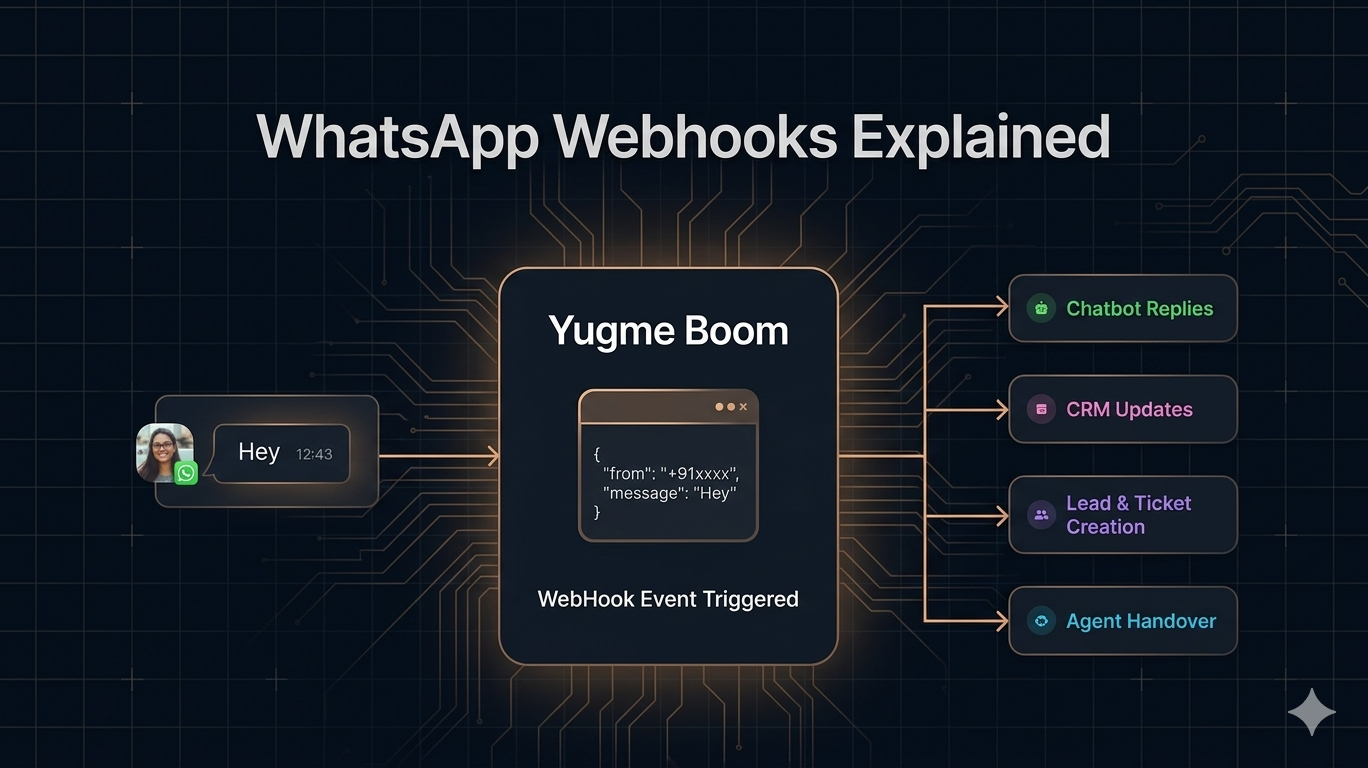
A Comprehensive Guide to WhatsApp Webhooks (Designed for Non-Developers)
This guide explains WhatsApp Webhooks in a simple and easy-to-understand way for non-technical users. It covers how webhooks work, how they send real-time notifications from WhatsApp to your system, and how businesses can use them to automate responses and improve communication. The goal is to help readers understand the concept clearly without needing any coding knowledge.
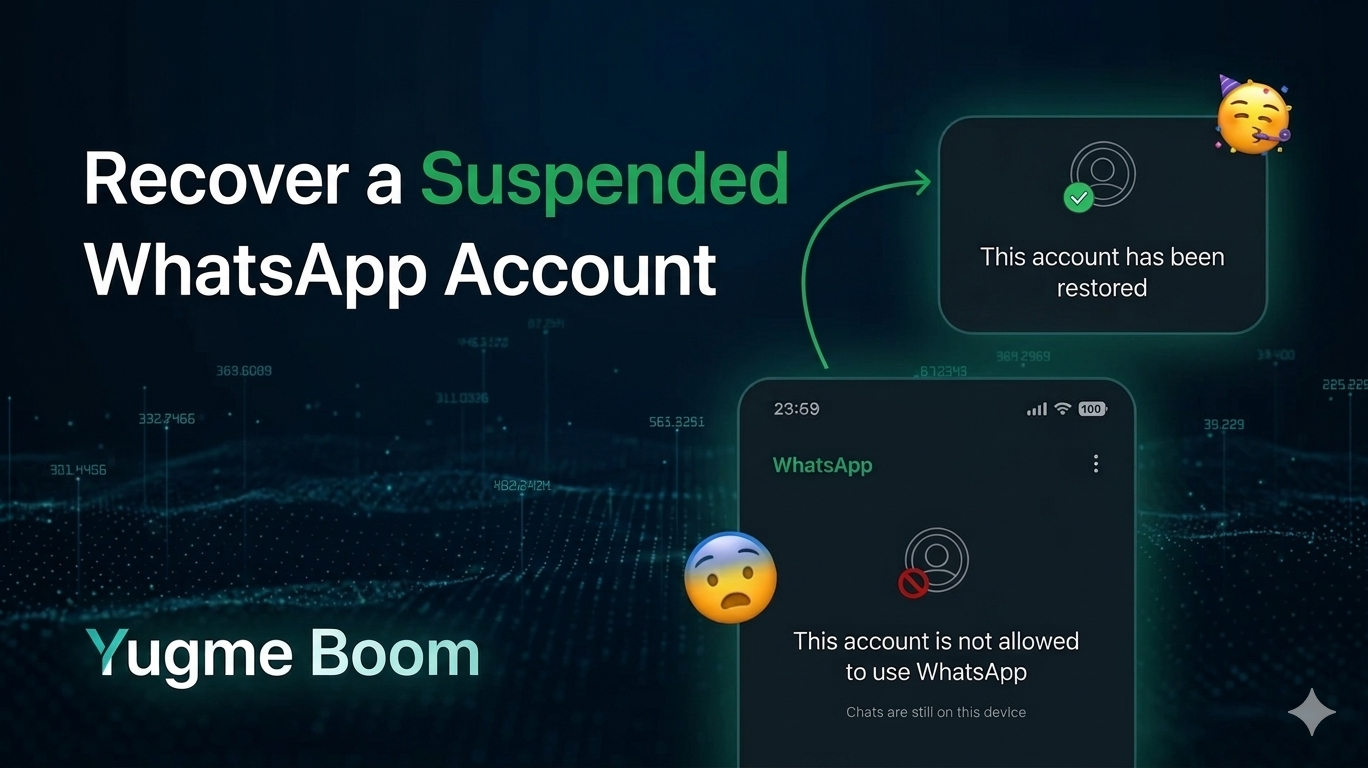
How to Recover a Suspended WhatsApp Account (2026 Guide)
WhatsApp Number Ban Recovery Guide (2026) provides a clear overview of why WhatsApp numbers may get banned and the steps you can take to recover them. It explains the common causes of bans and offers simple guidance on how to request account restoration and prevent future restrictions.
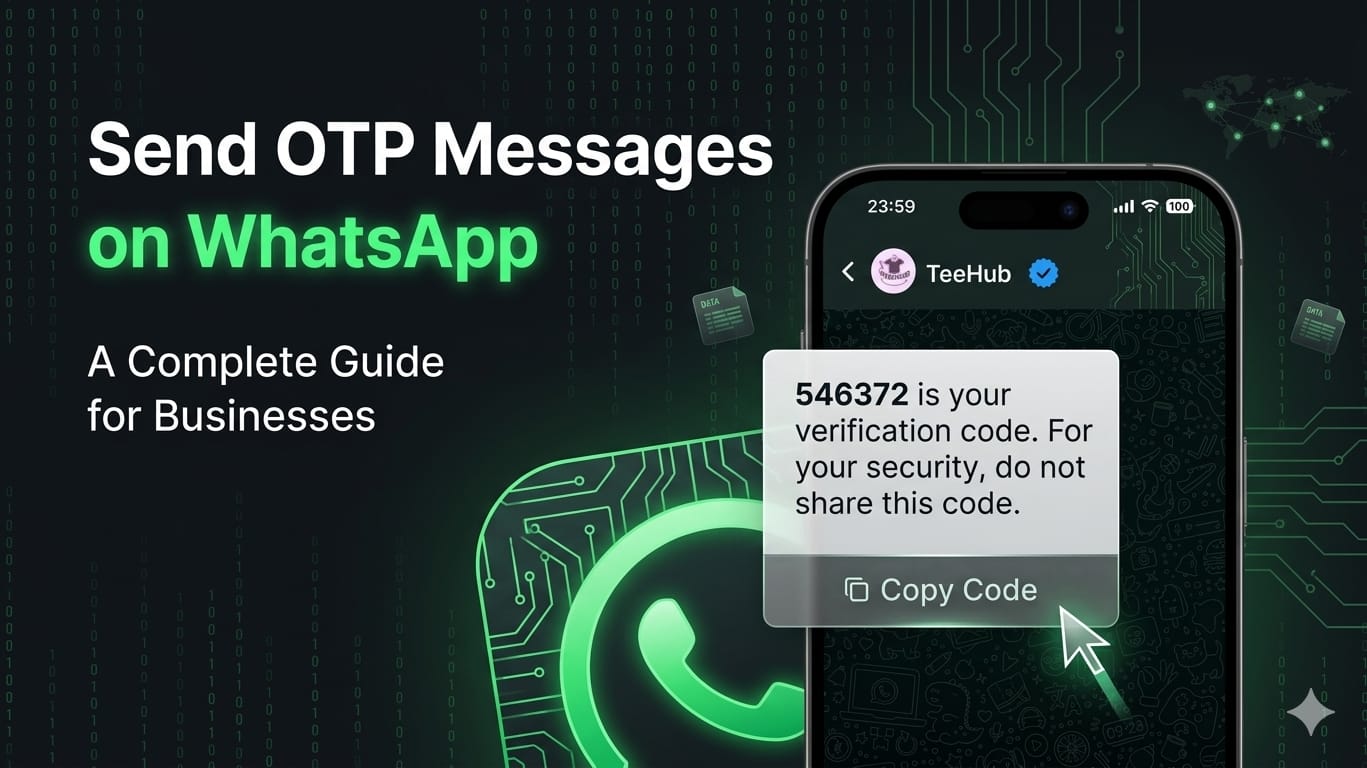
A Complete Guide for Businesses on Sending OTP Messages via WhatsApp
This guide explains how businesses can send OTP messages through WhatsApp for secure user verification.It covers the basic process, benefits, and how OTP messaging improves customer authentication.The goal is to help businesses use WhatsApp to deliver fast, reliable, and secure verification messages.
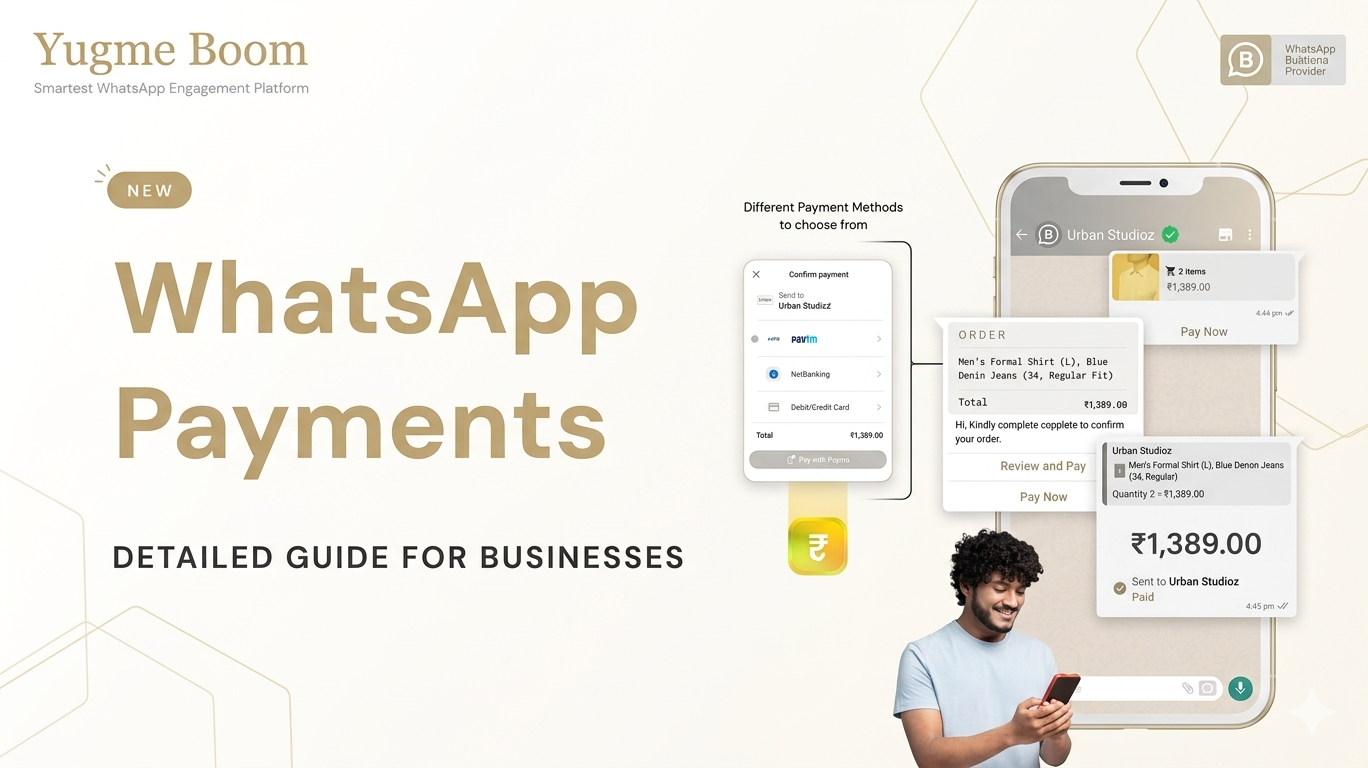
A 2026 Guide to WhatsApp Payments for Businesses
This guide explains how businesses can use WhatsApp Payments to collect payments directly within WhatsApp. It also highlights the benefits, key use cases, and how businesses can integrate the feature to create a seamless customer shopping experience.
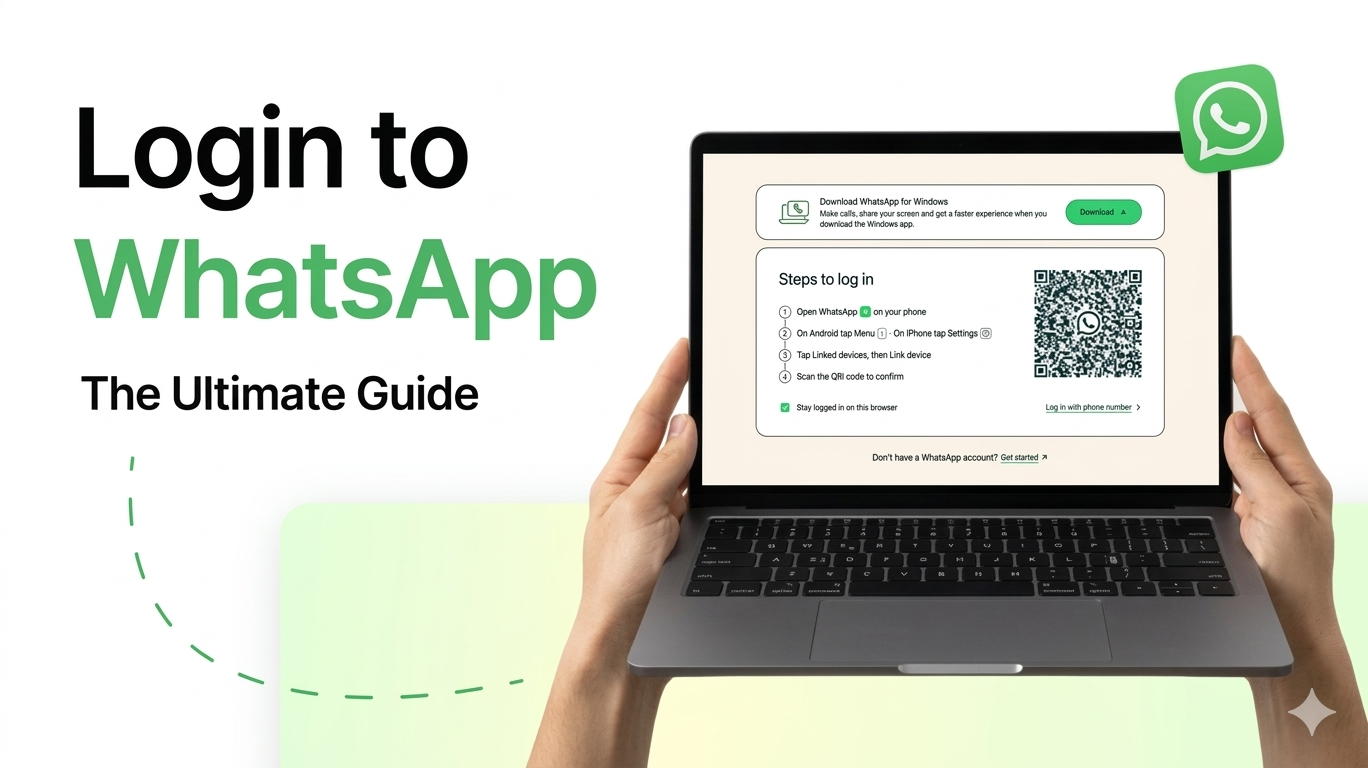
WhatsApp Login: Easy Guide to Using WhatsApp Web & Desktop (2026)
This guide explains how to log in and use WhatsApp Web and Desktop easily. It helps users understand the setup process and how to access WhatsApp on a computer for better convenience.
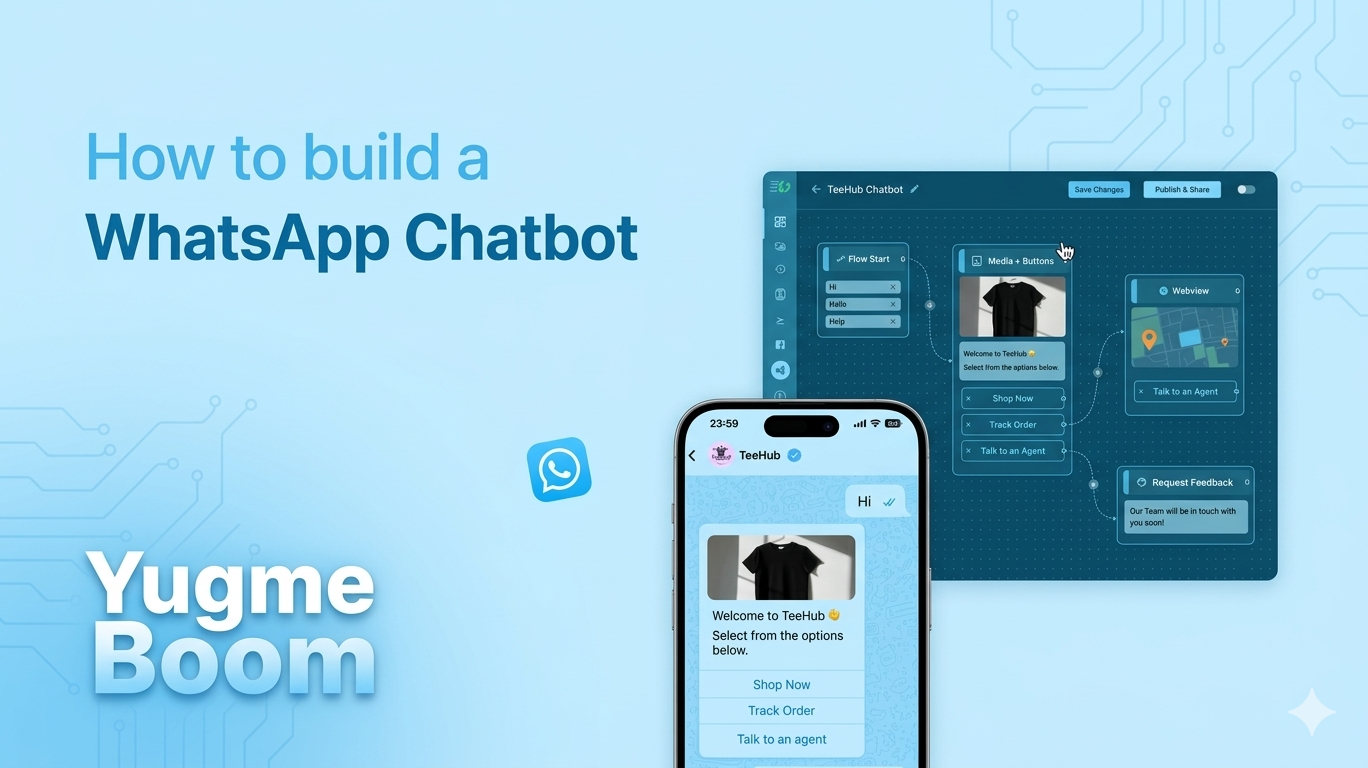
Complete Guide to Building a WhatsApp Chatbot in 2026
This guide explains how to build a WhatsApp chatbot and automate customer conversations. It also covers the steps and tools businesses can use to set up and manage chatbots on WhatsApp.
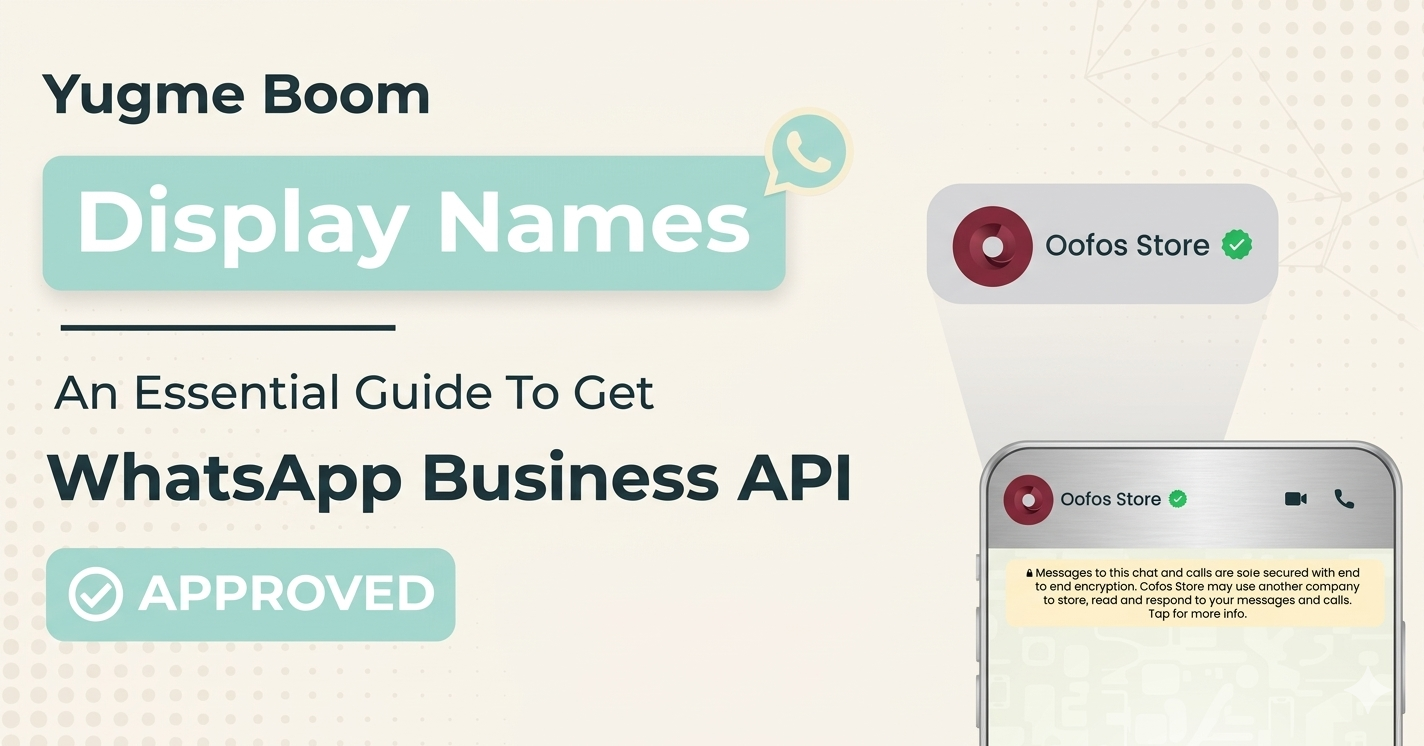
WhatsApp Display Name: Step-by-Step Guide for API Approval
Learn how to choose and get your WhatsApp Business API display name approved quickly, following the official guidelines for branding and formatting.
Understanding the WhatsApp Blue Tick (Formerly WhatsApp Green Tick)
This guide explains what the WhatsApp Blue Tick (formerly Green Tick) means, its purpose, and how businesses can get verified to build trust with their users.
How to Generate a FREE WhatsApp Link
Easily generate a free WhatsApp link to let customers contact your business instantly. Share the link on your website, social media, or ads so users can start a conversation with just one click, making communication faster, simpler, and more convenient. It’s a great way to boost engagement, capture leads, and improve customer support without revealing your personal number.
Create a WhatsApp QR Code in Minutes
Easily generate a WhatsApp QR Code in minutes to let users start a chat with your business instantly—perfect for sharing on social media, websites, or print materials.
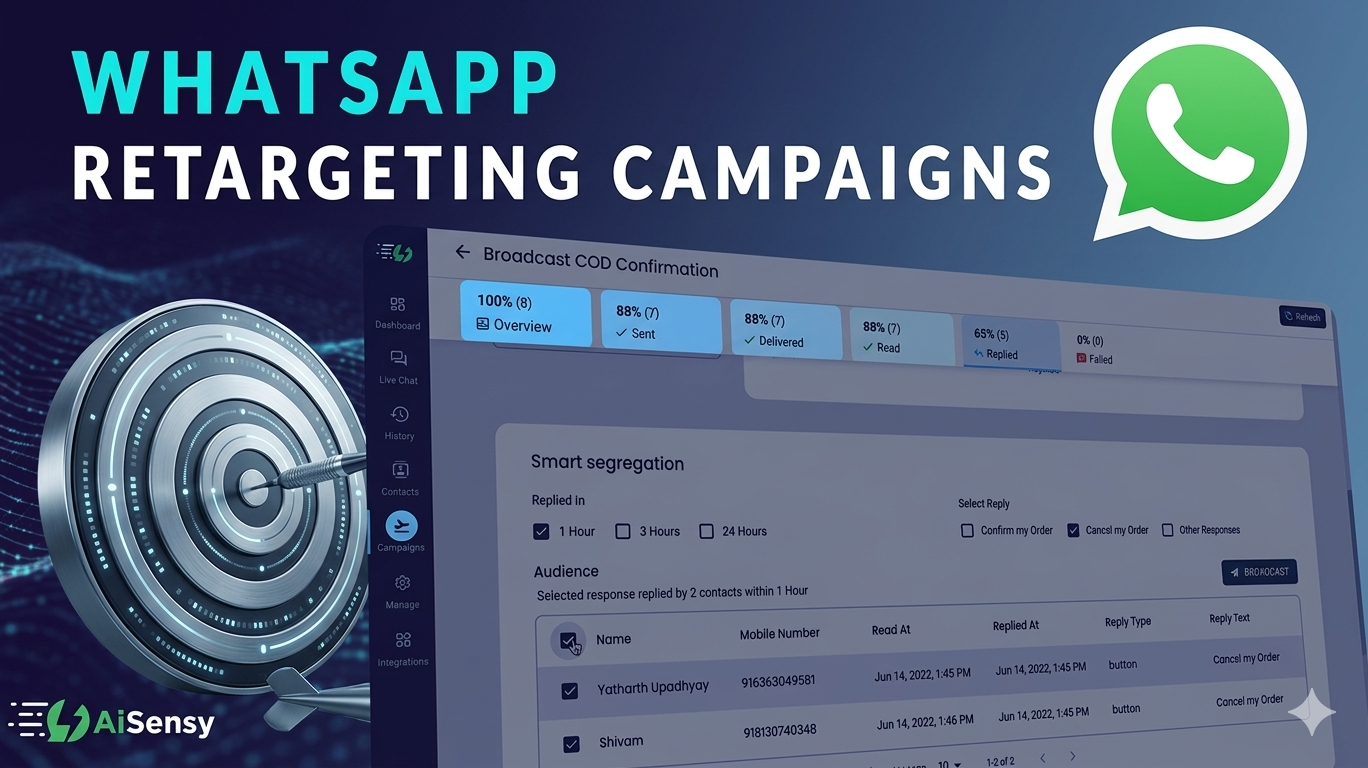
Master Conversions with WhatsApp Retargeting Campaigns
Reconnect with interested customers on WhatsApp and encourage them to complete their purchase or take action, helping you turn more leads into conversions.
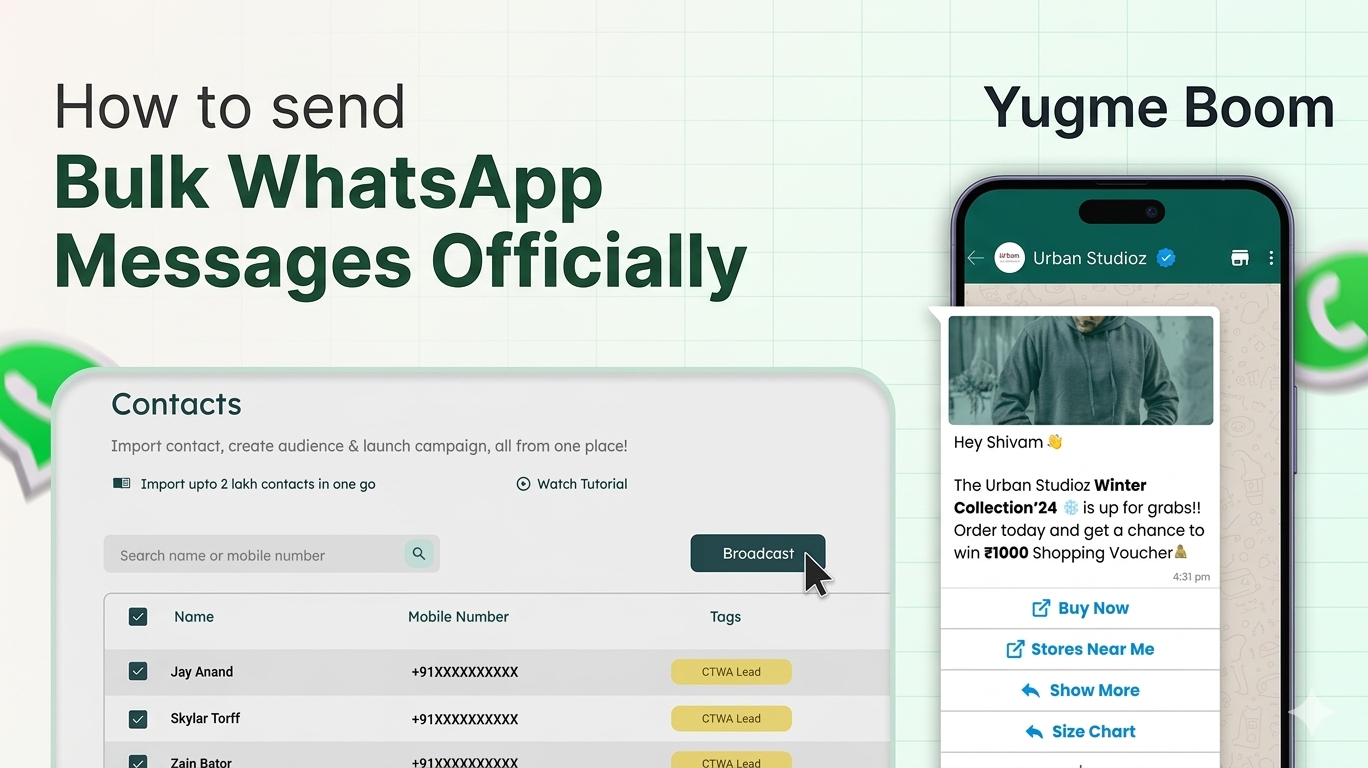
How to Send Bulk WhatsApp Broadcasts Without Risking Being Blocked
Learn how businesses can safely send bulk WhatsApp broadcasts to a large audience while following WhatsApp guidelines. This helps improve message delivery, maintain account safety, and increase customer engagement without the risk of being blocked.
WhatsApp Cloud API: Everything You Need to Know (2026)
Learn what the WhatsApp Cloud API is, how it works, and how businesses can use it to automate messaging, send notifications, and manage customer conversations on WhatsApp

Driving Traffic to WhatsApp Business for a 5x ROI Boost
This section explores proven strategies for funneling high-intent customers directly to your WhatsApp Business account. Discover how increasing engagement on the platform can significantly improve conversion rates and maximize your return on investment.
A Simple Trick to Use WhatsApp Business on Multiple Devices
This section introduces solutions for managing customer queries across multiple devices. It highlights the importance of quick response times and explains how businesses can overcome single-device limitations using both the WhatsApp Business App and the WhatsApp Business API.
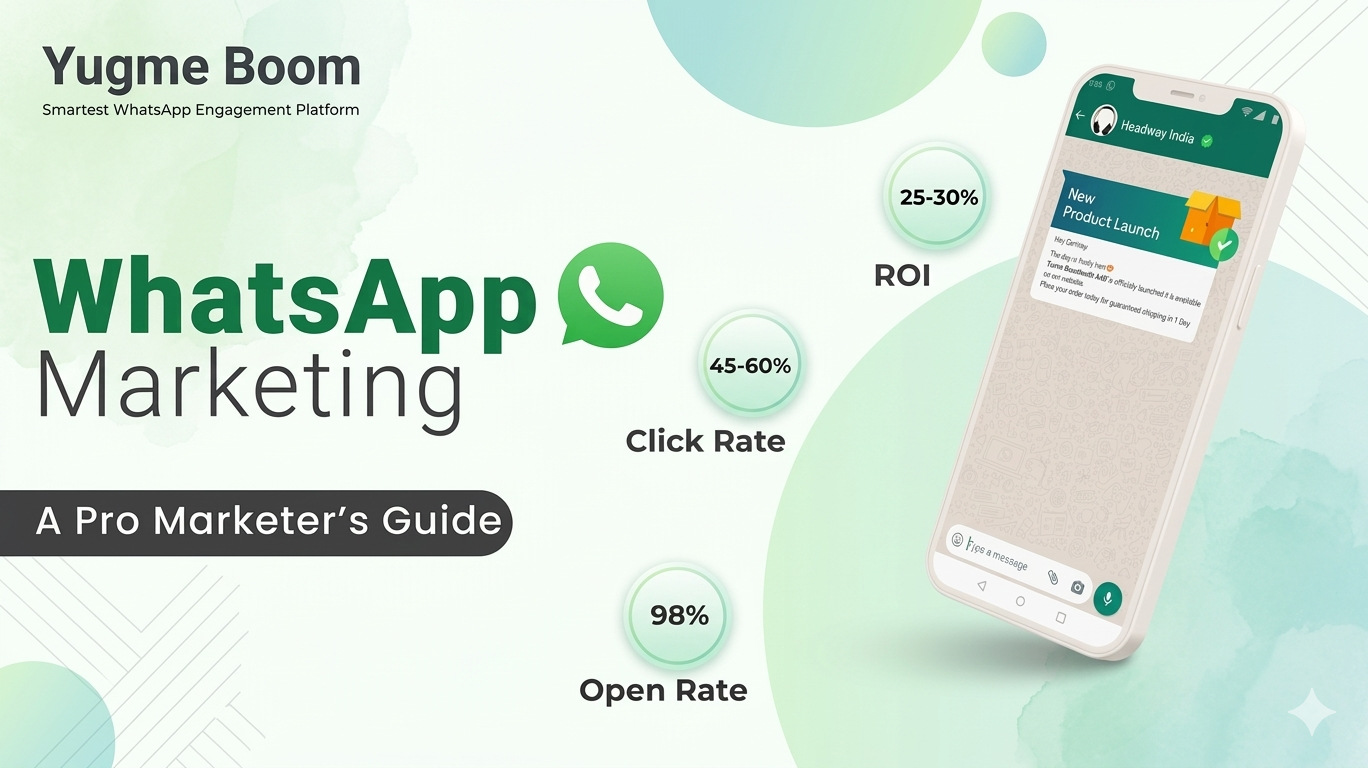
Understanding WhatsApp Marketing: A Guide to Accelerating Business Growth
This section defines WhatsApp Marketing and explores its potential to transform customer communication. Learn how businesses leverage the platform to build direct relationships, enhance engagement, and drive significant revenue growth.
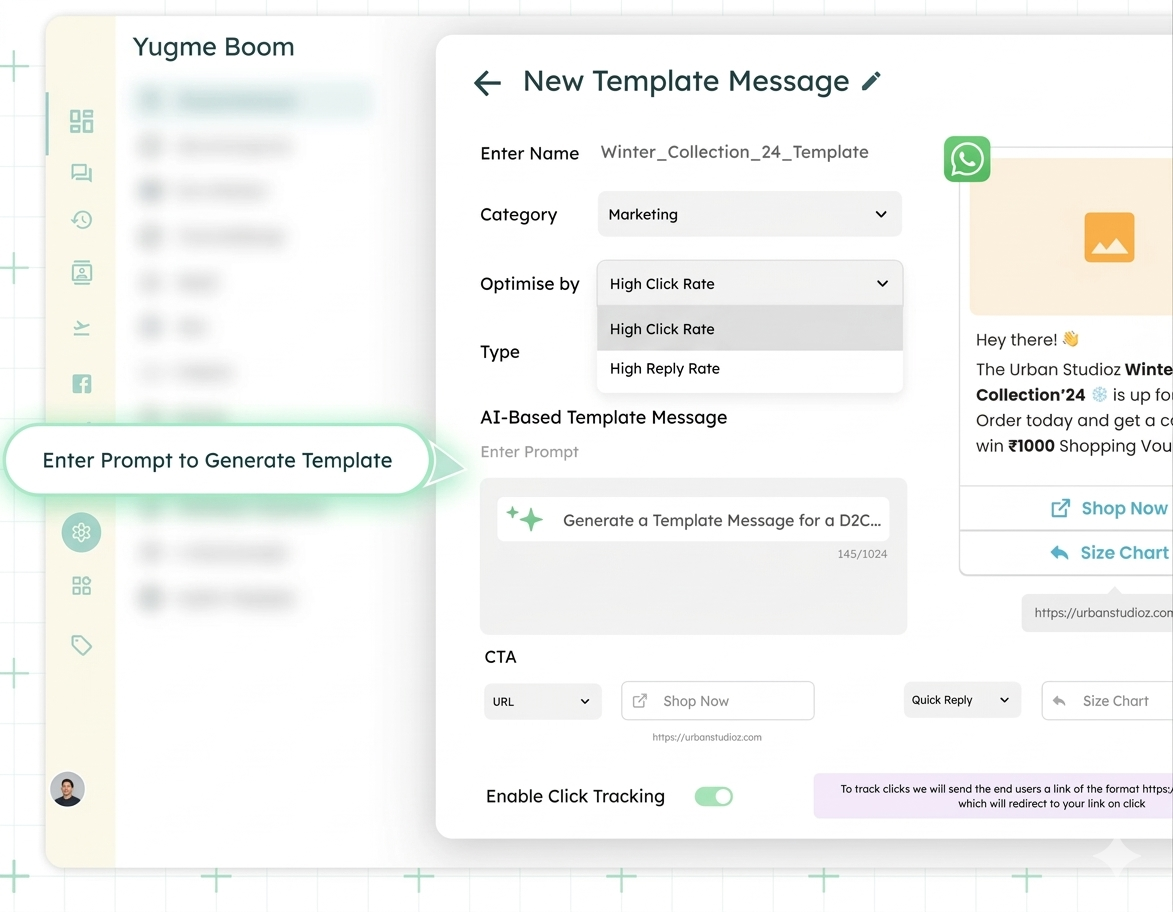
AI-Powered WhatsApp Template Message Creator
Streamline your communication strategy with the AI-Powered WhatsApp Template Message Creator. This intelligent tool instantly generates three unique, Meta-compliant message variations tailored to your specific campaign goals and tone. By automating the drafting process and adhering to Meta's policies, it significantly speeds up approval times and eliminates hours of manual writing.